

HDMI 2.0 splitter to distribute 4K video
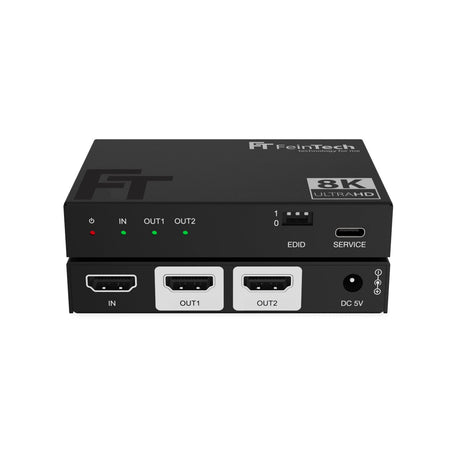
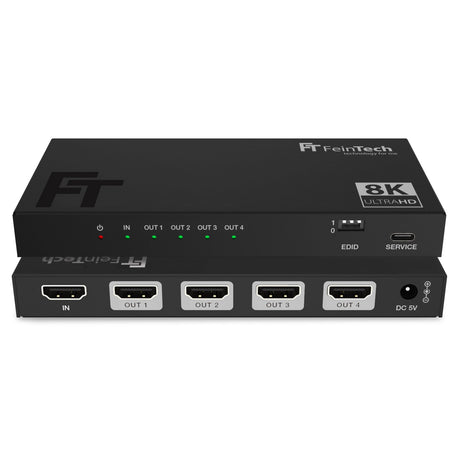
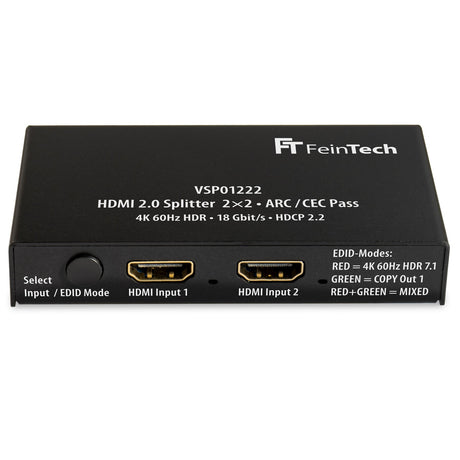
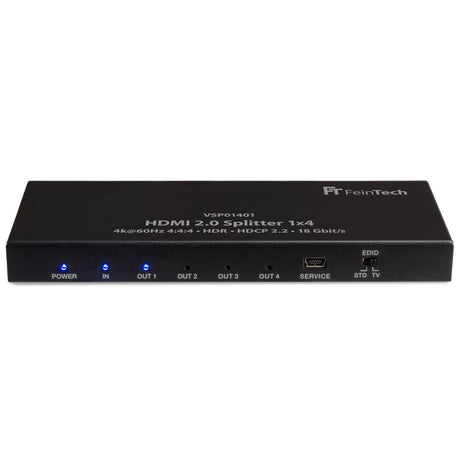
This HDMI 2.0 splitter delivers the audio-video signal from one source (e.g. Blu-ray player, game console, satellite receiver, streaming box) to 2 HDMI devices at the same time. So you...



Distribute 1 HDMI source simultaneously to up to 2 HDMI end devices (TV, monitor, AV receiver, video grabber, ....)
VSP01201 HDMI 2.0 Splitter 1x2 with Downscaler & EDID-Management is backordered and will ship as soon as it is back in stock.
This 1x2 HDMI splitter delivers the audio and video signal from one source (e.g., Blu-ray player, game console, satellite receiver, streaming box) to two HDMI outputs simultaneously. This allows you to connect a TV and a video grabber or video projector simultaneously and even use them in parallel. No switching is required; the splitter distributes the output signal to both HDMI devices simultaneously. Video resolutions up to 4K—also known as Ultra HD or UHD—are supported on both outputs. The maximum data rate is 18 Gbps.
The connected devices communicate via EDID about their capabilities (including supported image resolution and audio format). If you want to operate two displays that support different video resolutions, this splitter makes it possible.
TV: The output is optimal for the display on output 1. The player behaves as if it were directly connected to this display. Output 2 provides exactly the same format. The capabilities of display 1 (audio & video) therefore also determine the output for the other displays. Special case: If the player and display 1 support 4K video resolution, but the other display only supports Full HD, this video signal is scaled to 1080p. (Display 1 still receives 4K). If both displays support 4K, both receive 4K.
STD : In the "STD" position, the splitter provides an artificial EDID that is compatible with most devices. This ensures that you always have picture and sound, but may not be optimal for your devices. This indicates support for 4K 60Hz SDR and stereo.
Compare our HDMI splitters
| Facet | |||||
|---|---|---|---|---|---|
| Price | |||||
| Price |
Regular price
€69,99
Unit price
|
Regular price
€89,99
Unit price
|
Regular price
€59,99
Unit price
|
Regular price
€39,99
Unit price
|
Regular price
€59,99
Unit price
|
| Rating | |||||
| Rating | - | ||||
| HDMI version | |||||
| HDMI version | |||||
| HDMI inputs | |||||
| HDMI inputs | - | - | - | - | - |
| HDMI outputs | |||||
| HDMI outputs | |||||
| Video resolution | |||||
| Video resolution | - | - | - | - | - |
| HDMI-CEC control | |||||
| HDMI-CEC control | |||||
| Supported gaming formats | |||||
| Supported gaming formats | - | - | - | - | - |
| Edid Management | |||||
| Edid Management | |||||
| HDMI ARC from TV | |||||
| HDMI ARC from TV | |||||
| Compatible HDCP | |||||
| Compatible HDCP | |||||
This HDMI 2.0 splitter delivers the audio-video signal from one source (e.g. Blu-ray player, game console, satellite receiver, streaming box) to 2 HDMI devices at the same time. So you...

We are often asked which HDMI splitter is "the best" and what the differences are. As you can probably imagine, there is no "best" one, but there is certainly a...
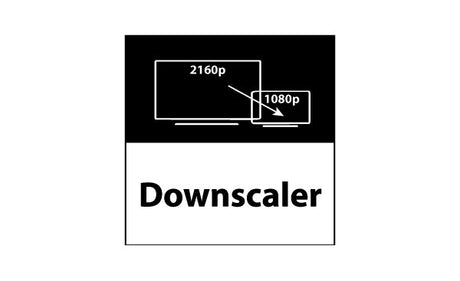
How does a downscaler work in an HDMI splitter and what are the advantages? In the world of home theater technology and professional audio-video applications, HDMI splitters are widely used...


Number of HDMI inputs
Number of HDMI outputs