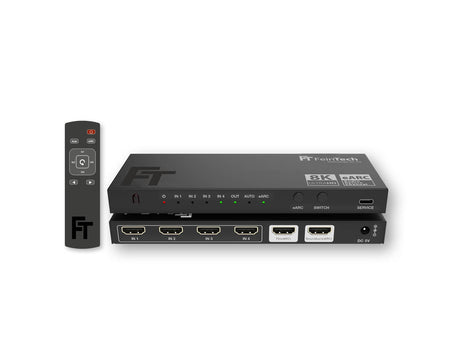
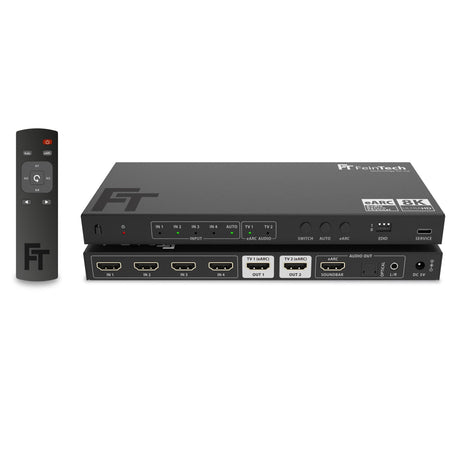
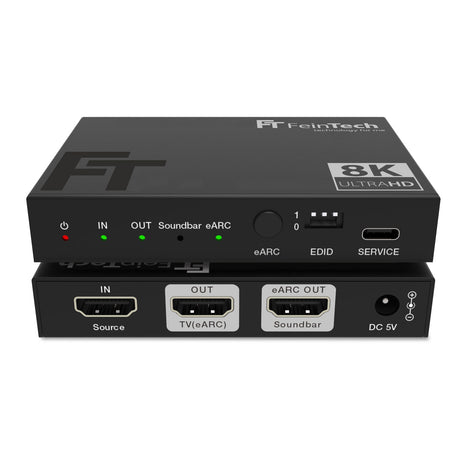
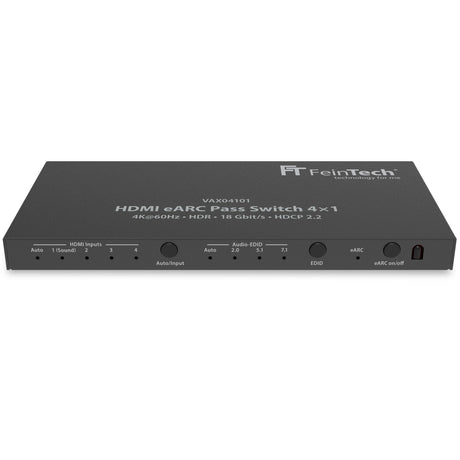
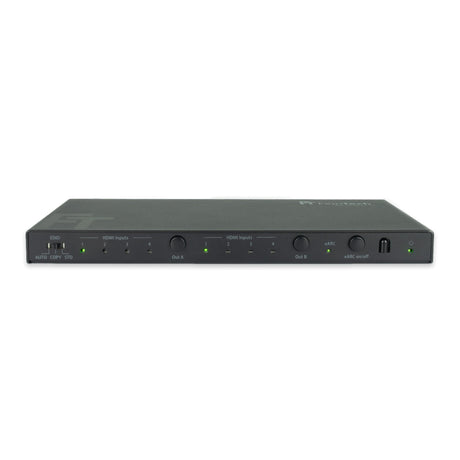
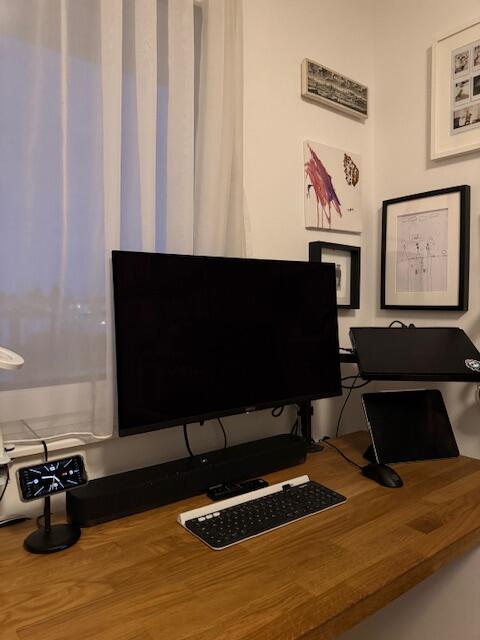
AX310 HDMI 2.1 Audio Extractor for a soundbar with HDMI eARC connection
- HDMI audio extractor for operating a display and a soundbar with HDMI-ARC/eARC port
- Sound output from the source device or display (if the TV has HDMI-ARC/eARC)
- EDID management for controlling the maximum audio and video formats
- Supports video formats up to 8K 60Hz or 4K 240Hz as well as gaming features such as VRR.
- Only suitable for sound devices with HDMI-ARC or HDMI-eARC port, e.g. soundbars from Sonos (also for Sonos Amp) or Bose.
HDMI Audio Extractor
The AX310 HDMI Audio Extractor routes the audio signal from an HDMI source device directly to your sound system via the HDMI ARC or eARC port. Simultaneously, the video signal is passed through to your display without loss, allowing you to enjoy both high-quality images and impressive sound. Ideal for use with modern soundbars, the extractor allows you to extract the audio format regardless of the display's supported formats. It also eliminates audio delay (latency) and enables playback of audio formats like DTS, which might be blocked by your TV. This ensures your home entertainment system always delivers the best possible sound experience.
Supports resolutions up to 8K 60Hz and 4K 240Hz
The AX310 supports impressive resolutions up to 8K at 60Hz HDR and 4K at 240Hz, with a maximum data rate of 48 Gbps. Thanks to backward compatibility with lower resolutions, the AX310 guarantees lossless video and audio transmission, regardless of the source. Furthermore, it offers HDMI 2.1 gaming features such as Variable Refresh Rate (VRR), which reduces stuttering and enables smooth gameplay. Auto Low Latency Mode (ALLM) automatically minimizes latency, further improving response times in games. This allows you to enjoy the best possible picture and sound quality for both gaming and streaming.
ARC support
Thanks to ARC (Audio Return Channel) support, the AX310 enables seamless audio transmission from your TV to the connected soundbar. Simply connect the AX310 to your display's HDMI-ARC or HDMI-eARC port and activate the eARC function. The AX310 automatically detects whether the audio is coming from the connected source or the TV, ensuring effortless switching. This feature enhances your home theater experience by providing a simple connection between your TV and the soundbar while delivering high-quality audio output. Whether you're streaming movies or playing games, you'll always get the best sound. It's also possible to connect a monitor or video projector without ARC and leave eARC disabled, giving you flexibility in your device selection.
Flexible EDID management: Customize audio and video formats individually
The AX310 features flexible EDID management, allowing you to individually configure the maximum supported audio and video formats. Using the integrated DIP switch, you can select between different EDID modes to ensure your audio and video output is optimally matched to your connected devices. This improves compatibility with various displays and soundbars and prevents potential signal output conflicts. With this feature, you can ensure that both picture and sound quality remain at the highest level, regardless of the source or connected device.
Selectable EDID modes:
| Dip
|
video
|
Audio
|
| 111 |
COPY* |
COPY* |
| 001 |
COPY* |
Audio 5.1 DTS/Dolby/PCM 2.0 |
| 000 |
COPY* |
Audio 7.1 DTS/Dolby/HD/PCM7.1 (recommended)
|
| 110 |
4K 60Hz 4:4:4 |
Audio PCM 2.0 |
| 101 |
FRL12G 8K HDR |
Audio PCM 2.0 |
| 100 |
FRL12G 8K HDR |
Audio 5.1 DTS/Dolby/PCM 2.0 |
| 011 |
FRL12G 8K HDR |
Audio 7.1 DTS/Dolby/HD/PCM7.1 |
| 010 |
FRL12G 8K Dolby Vision |
Audio 7.1 DTS/Dolby/HD/PCM7.1 |
*COPY means that the EDID data of the connected display will be copied.
FRL12G enables a maximum data rate of 48 Gbps (HDMI 2.1 Maximum)
Volume control via the TV remote control with HDMI-CEC
With a TV that has an HDMI-ARC or eARC port, you can control the volume of your audio signal directly using the TV remote. This feature simplifies operation, as you don't need a separate remote for your soundbar. Furthermore, many streaming devices, such as Apple TV or Fire TV, also offer the option of controlling the audio system independently, giving you additional flexibility.
Switching on and off
You can turn the extractor on or off by pressing and holding the eARC button.
Technical data:
- HDMI version 2.1
- Supported copy protection: HDCP 2.3 or older
- Signal input: HDMI, HDMI-eARC or HDMI-ARC
- Signal output: HDMI, HDMI-ARC (if soundbar supports ARC) or HDMI-eARC (if soundbar supports eARC)
- Maximum data transfer rate: 48 Gbps
- Supported video formats up to 8K 60Hz YUV420 12-bit or 4K 240Hz RGB/YUV444 12-bit
- Supported HDMI 2.1 functions: VRR, ALLM, QMS, QFT, SBTM
- HDR (High Dynamic Range): HDR10, HDR10+, Dolby Vision, HLG
- HDMI-CEC passthrough: yes
- Supported audio formats (extractor): LPCM 2.0-7.1, Dolby Digital, Dolby Digital Plus (incl. Atmos), Dolby TrueHD (incl. Atmos), Dolby MAT, DTS, DTS-HD (incl. DTS-X)
- Supported audio formats (pass-through only): LPCM 2.0-7.1, Dolby Digital, Dolby Digital Plus (incl. Atmos), Dolby TrueHD (incl. Atmos), Dolby MAT, DTS, DTS-HD (incl. DTS-X), DSD
- Recommended HDMI cable length: in <2 m, out <2 m (8K/4K 240Hz) or in < 6 m, out < 6 m (4K 60Hz)
- Power consumption < 4.2 W
- Dimensions (W x L x H) 95 x 68 x 18 mm
Note : The printed instructions unfortunately contain an error: The power LED always lights up red and does not change color.