
Connect headphones and sound system to TV via HDMI
A common question we get in our customer service: "How do I connect headphones and a sound system to my TV via HDMI?" Few TVs deliver sound through multiple ports...



Operate your headphones and hi-fi system on the HDMI ARC connection on the television
VMA00102 HDMI ARC Audio TV-Adapter with volume control is backordered and will ship as soon as it is back in stock.


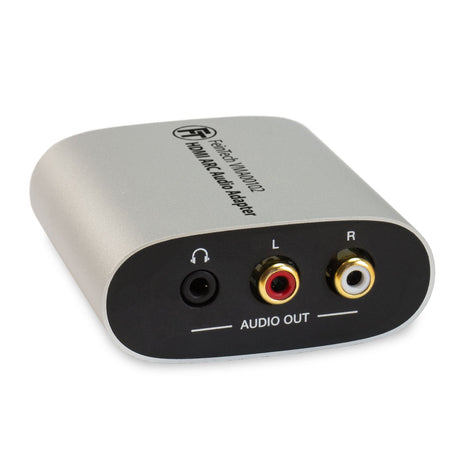
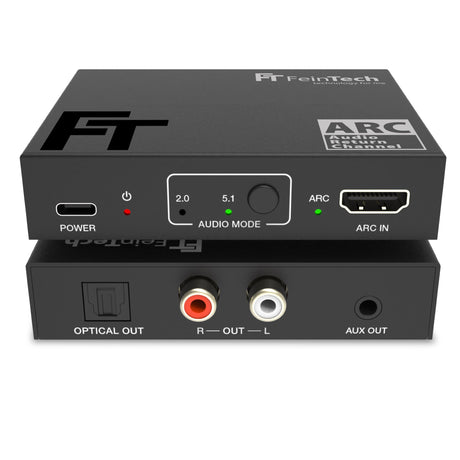
The VMA00102 allows you to easily use classic audio devices like stereo systems or headphones with modern TVs featuring HDMI-ARC or eARC connections. The adapter converts the TV's audio signal into analog stereo sound and simultaneously outputs it via RCA and 3.5 mm jack connectors. Volume can be conveniently controlled using your TV remote – perfect for anyone who wants to combine high-quality TV sound with their existing equipment.
The VMA00102 outputs the sound from your television via two parallel analog outputs:
Both outputs can be used simultaneously. This allows you, for example, to permanently connect your stereo system and additionally connect headphones when needed.
The adapter only processes PCM stereo (2.0). For audio output to work, set the format to "PCM" or "LPCM Stereo" in your TV's audio menu. Multi-channel formats such as Dolby Digital or Bitstream are not supported.
The volume of the analog outputs can be controlled directly with your TV's remote control – thanks to HDMI-CEC, without any additional devices. This control works for both the RCA and 3.5mm jack outputs, making the listening experience particularly convenient.
The VMA00102 is powered via the included USB cable – for example, through a USB port on your TV . As soon as the TV is switched on, the adapter activates automatically. When the TV is switched off, the adapter goes into standby mode. You don't need to do anything else – it operates completely automatically in the background. Alternatively, the adapter can also be powered by an external USB power supply.
Installation takes only a few minutes:
Compare our HDMI ARC TV adapters
| Facet | |||||
|---|---|---|---|---|---|
| Price | |||||
| Price |
Regular price
€39,99
Unit price
|
Regular price
€44,99
Unit price
|
Regular price
€79,99
Unit price
|
Regular price
€69,99
Unit price
|
Regular price
€69,99
Unit price
|
| Rating | |||||
| Rating | |||||
| Audio Input | |||||
| Audio Input | - | - | - | - | - |
| Audio Output | |||||
| Audio Output | |||||
| Audio formats on the audio out | |||||
| Audio formats on the audio out | - | - | - | - | - |
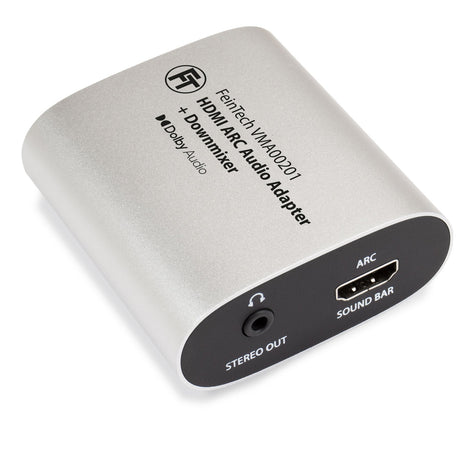
| Downmixer for parallel 5.1 and stereo output | |||||
| Downmixer for parallel 5.1 and stereo output | - | - | Yes | - | - |
| HDMI ARC from TV | |||||
| HDMI ARC from TV | |||||
| HDMI-CEC control | |||||
| HDMI-CEC control | |||||
| Power supply | |||||
| Power supply | |||||
A common question we get in our customer service: "How do I connect headphones and a sound system to my TV via HDMI?" Few TVs deliver sound through multiple ports...

Nowadays you want to control all devices with just one remote control. Streaming players like Apple TV and Fire TV Cube offer useful functions, but some TV remote controls can...

What is ARC for? Many users have already noticed that the number of ports on current televisions is decreasing. Analog connections for headphones, speakers, or stereo systems are frowned upon....


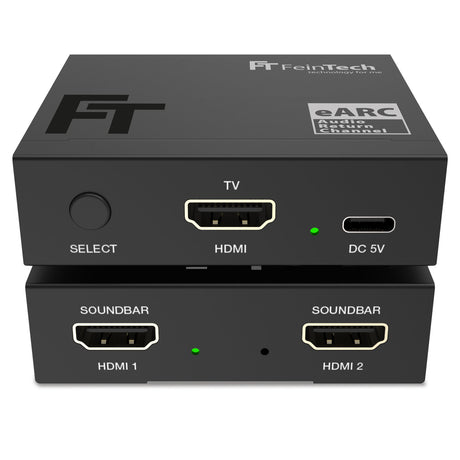
Number of HDMI inputs
Number of HDMI outputs