
HDMI splitter for dual monitor / 2 monitors at the same time
We often get asked which HDMI splitter can be used to connect two monitors to one PC simultaneously. In principle, this works with any of our HDMI splitters or HDMI...


Extend your screen to 2 displays
CX200 USB Dual HDMI adapter is backordered and will ship as soon as it is back in stock.


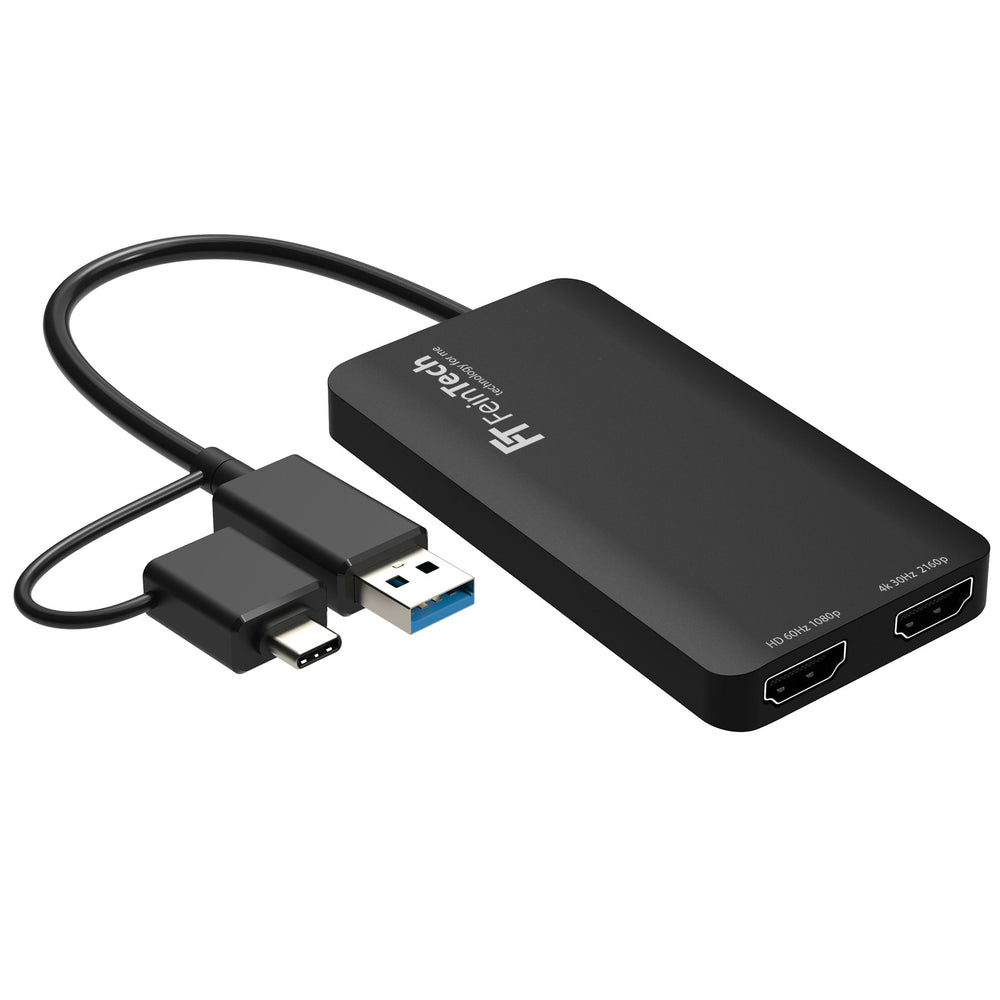
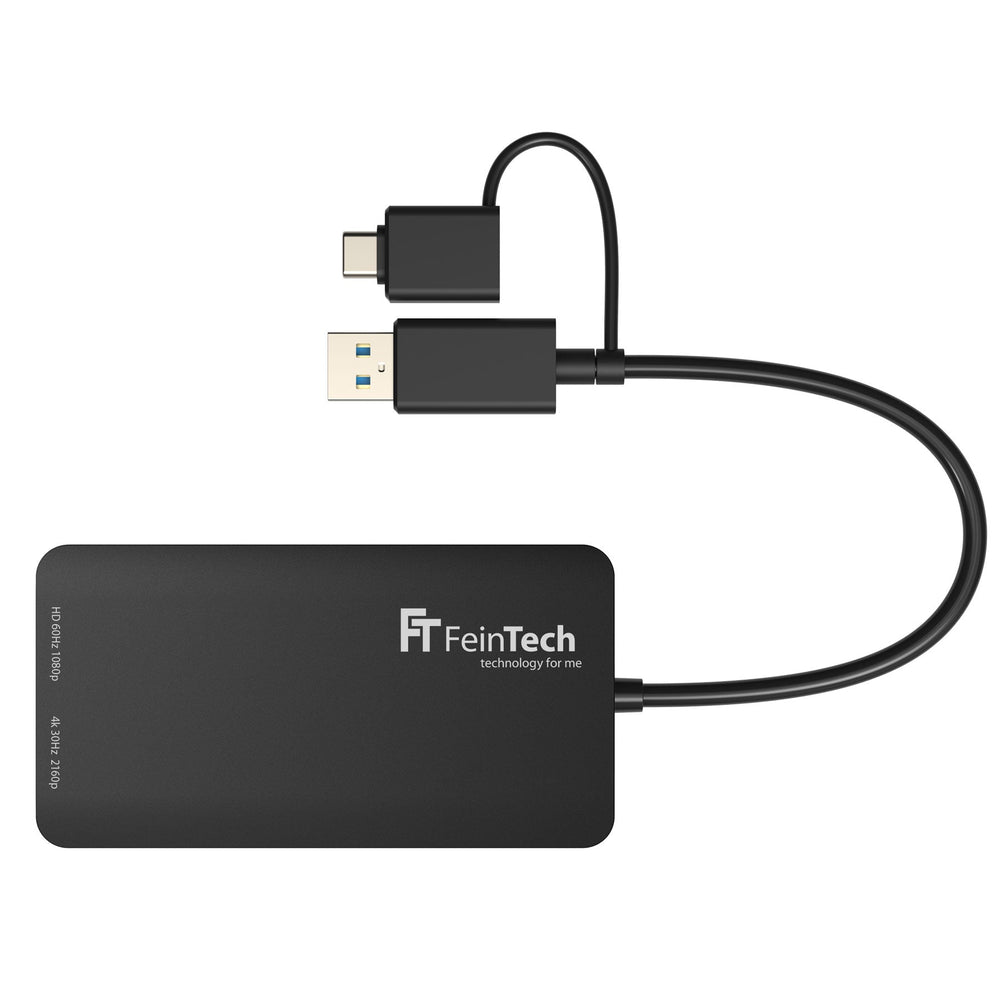
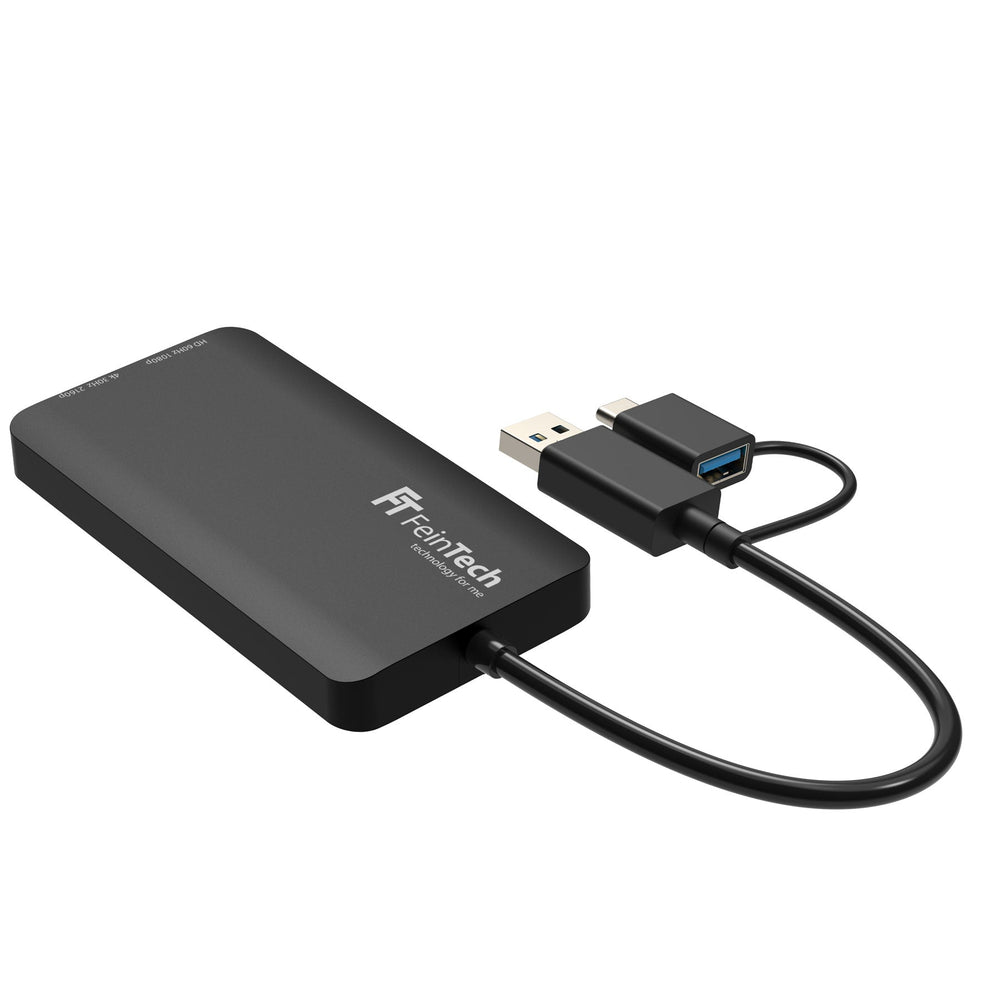
The USB 3.0 to HDMI dual display adapter is used to connect any computer with a USB-A 3.0 or USB-C port to two HDMI displays. This allows you to use your laptop with two screens. It contains an ARM Cortex R5 processor with a 128-bit GPU, so the load on the host computer's CPU is minimal.
This adapter supports Mirror, Extended Desktop, Rotation (Windows), and Clamshell modes (Mac with M1/M2 processor only). Video output can be up to 4K@30Hz and 1080p@60Hz.
The adapter uses Silicon Motion's InstantView technology. Copy-protected content, such as from Netflix, is not output.
Silicon Motion's InstantView software is required for operation. Download here.
| OS | fashion | HD Port | 4K Port |
| Windows | Mirror mode | 1920x1080@60Hz | 1920x1080@60Hz |
| Windows | Extend mode | 1920x1080@60Hz | 3840x2160@30Hz* |
| macOS | Mirror mode | 1920x1080@60Hz | 3840x2160@30Hz* |
| macOS | Extend mode | 1920x1080@60Hz | 3840x2160@30Hz* |
*A lower resolution can be output instead of 4K, e.g. 2560x1440
We often get asked which HDMI splitter can be used to connect two monitors to one PC simultaneously. In principle, this works with any of our HDMI splitters or HDMI...

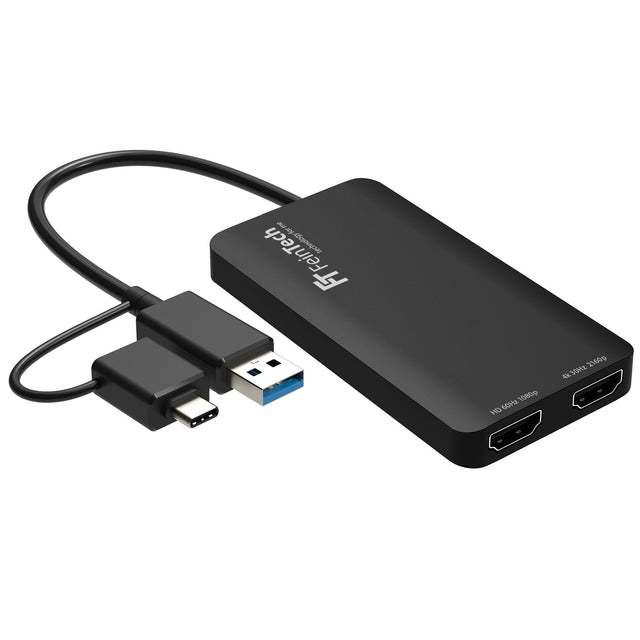
The USB 3.0 to HDMI Dual Display Adapter is used to connect any computer with a USB-A 3.0 or USB-C port to two monitors with HDMI input. It includes an...

Number of HDMI inputs
Number of HDMI outputs