
Do you want to use a transmitter for your hearing aid while others listen through the soundbar at the same time?
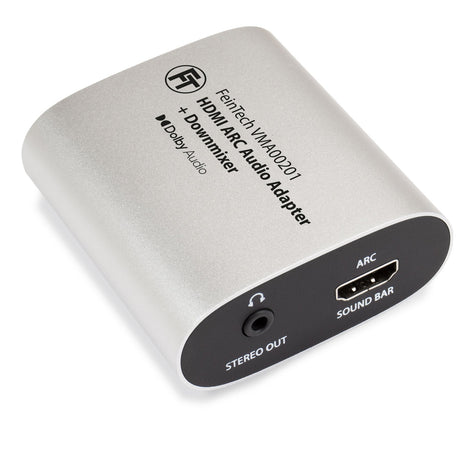
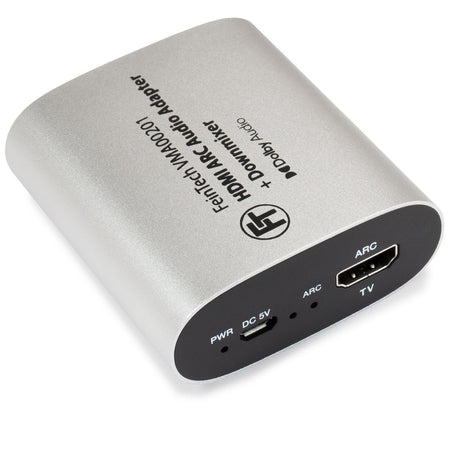
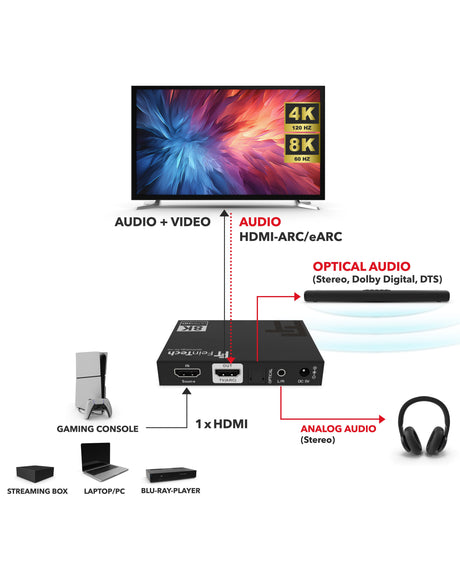
The VMA00201 can then be used between the television and the soundbar (or AV receiver, but wihtout video passthrough). It also allows an additional audio signal to be branched off for a hearing aid transmitter or headphones amplifier.
You can still control the soundbar's volume as usual using your TV remote. Stereo, DTS , and Dolby Digital 5.1 are supported, but not higher audio formats. While the soundbar plays back the 5.1 sound, the adapter simultaneously generates the stereo signal required for hearing aids.
The VMA00201 has a stereo jack audio output to which the hearing aid transmitter is connected. Almost all transmitters have a corresponding 3.5 mm audio jack input or RCA connectors. Some devices, such as the Phonak hearing aid transmitter, have a Toslink input (SPDIF / digital optical input). This can be detached – underneath is the analog 3.5 mm jack connector.
The VMA00201 connects to the soundbar and the TV's HDMI-ARC port via HDMI. Power is supplied via USB, for example from the TV, the soundbar, or a USB power adapter.

You then adjust the volume directly on the hearing aid – independently of the soundbar's volume.
External players devices can be connected directly to the TV if needed. Their audio will also be transmitted.
Instead of a soundbar, an AV receiver can also be used, provided its connection supports ARC or eARC. Please note, however, that no picture can be transmitted from the AV receiver to the television. There is no video passthrough on the VMA00201.
Required accessories
If you already own a television, soundbar, and hearing aid transmitter, you will also need:
- VMA00201 HDMI-ARC Audio Adapter (incl. USB cable)
- short HDMI cable between TV and soundbar
- Audio connection cable for the hearing aid transmitter: 3.5 mm jack to jack or jack to RCA (depending on the model)
- Possibly a USB power adapter if the TV does not have a USB port.
If you are not using a soundbar and want to use the TV speakers
Most TVs only output sound through a single output at a time. Therefore, the internal speakers are deactivated as soon as audio is output via HDMI-ARC, the headphone jack, or the optical output.
Some televisions offer a feature for simultaneous audio output in their accessibility settings. It might be worth checking the TV settings first.
Alternative solution: external player with audio extractor
If the internal TV tuner or TV apps are not used, and picture and sound come from an external device (e.g. satellite receiver, Sky Q, Fire TV, Apple TV, etc.), an HDMI audio extractor can be used.
This extractor is connected between the audio source and the television. Headphones, a hearing aid transmitter, or other audio systems can then be connected to the extractor.
The sound is then output simultaneously via TV speakers and extractor.
Suitable devices include, for example:
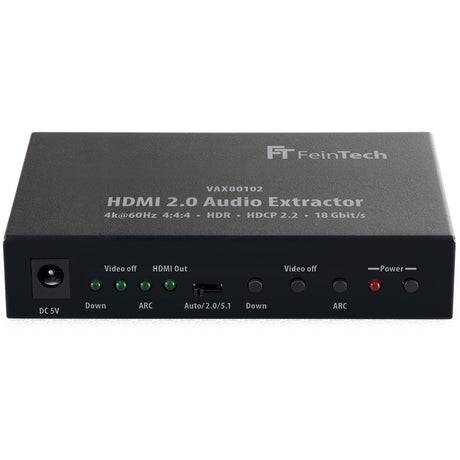
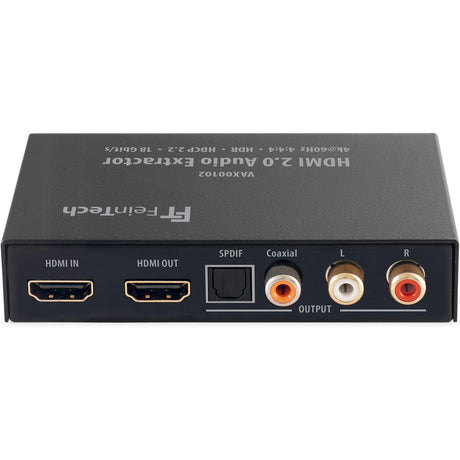
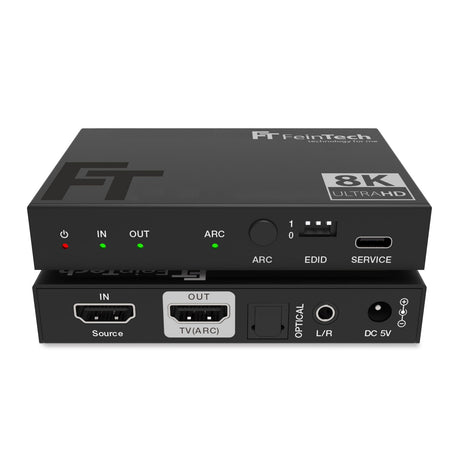
- VAX00102 (video up to 4K 60 Hz, audio outputs: Cinch stereo, Toslink digital, Coax digital
- AX210 (video up to 8K / gaming with 4K 120 Hz, audio outputs: stereo jack, Toslink digital)
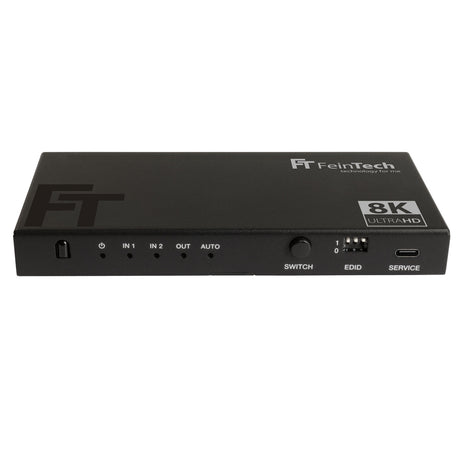
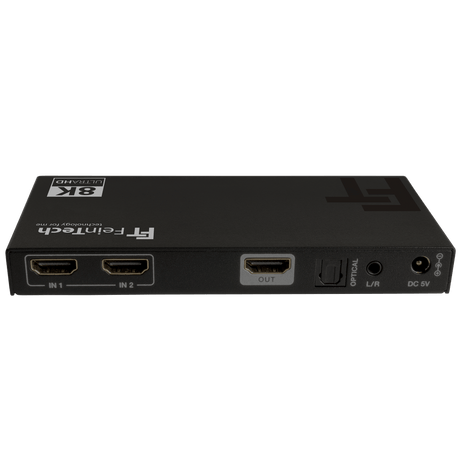
- SW212 (for 2 players, video up to 8K / gaming with 4K 120 Hz, audio outputs: stereo jack, Toslink digital)
Important note regarding volume control
The volume of the external audio system cannot be controlled via the player or the TV remote. Therefore, the volume must be adjusted directly on the headphones or hearing aid. Furthermore, only stereo sound is output.
Note regarding Bluetooth headphones
When Bluetooth headphones are used, the transmission is not exactly synchronized with the playback via the TV speakers.
Wireless transmission always introduces a slight delay. Depending on the headphones and transmitter, this can cause an echo or reverberation effect.
We therefore recommend closed-back headphones that support a low-latency mode. Modern models use technologies such as aptX Adaptive or Auracast , which makes the delay virtually imperceptible.
If you are using an HDMI audio extractor on your player and have a surround sound system connected to your TV, you can switch your player to a higher audio format such as Dolby Atmos for special occasions - however, the hearing aid will remain silent until you switch back to stereo.