
Using a hearing aid and soundbar simultaneously – here's how it works
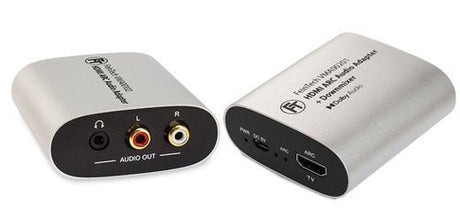
Do you want to use a transmitter for your hearing aid while others listen through the soundbar at the same time? The VMA00201 can then be used between the television...

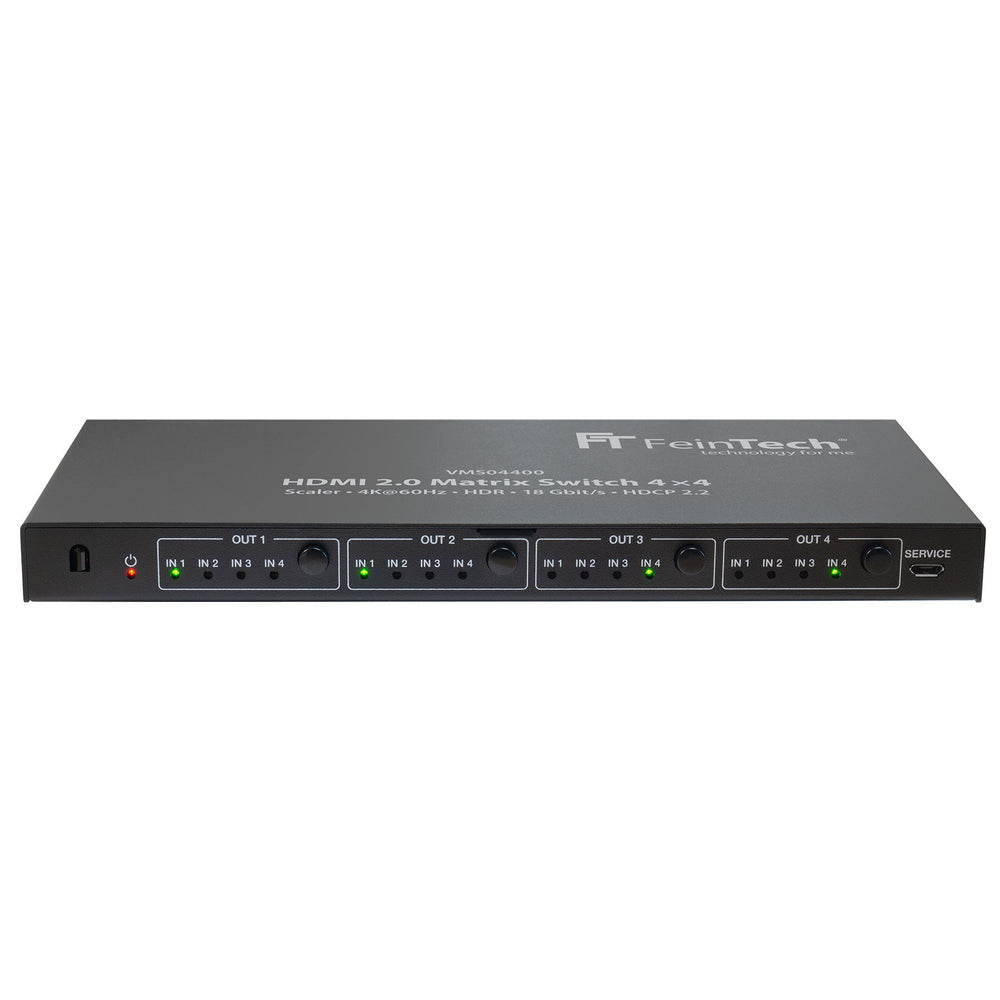
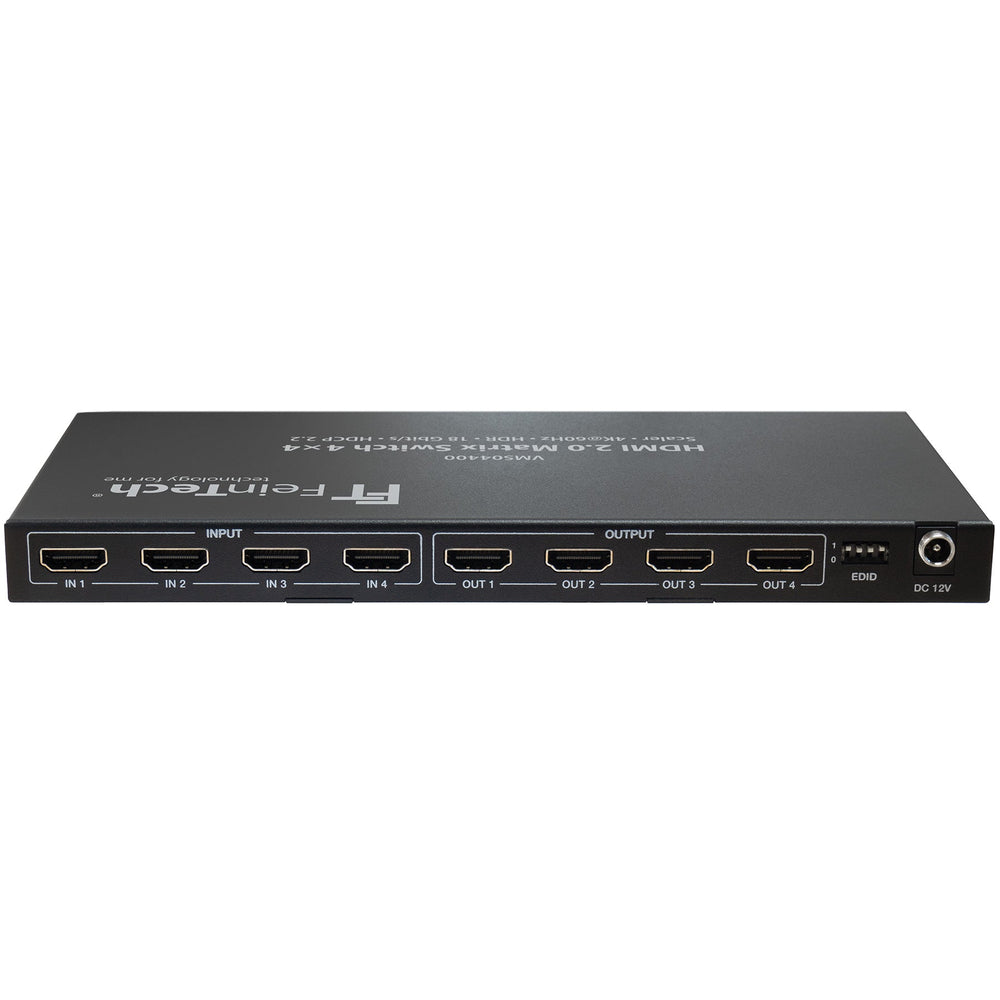
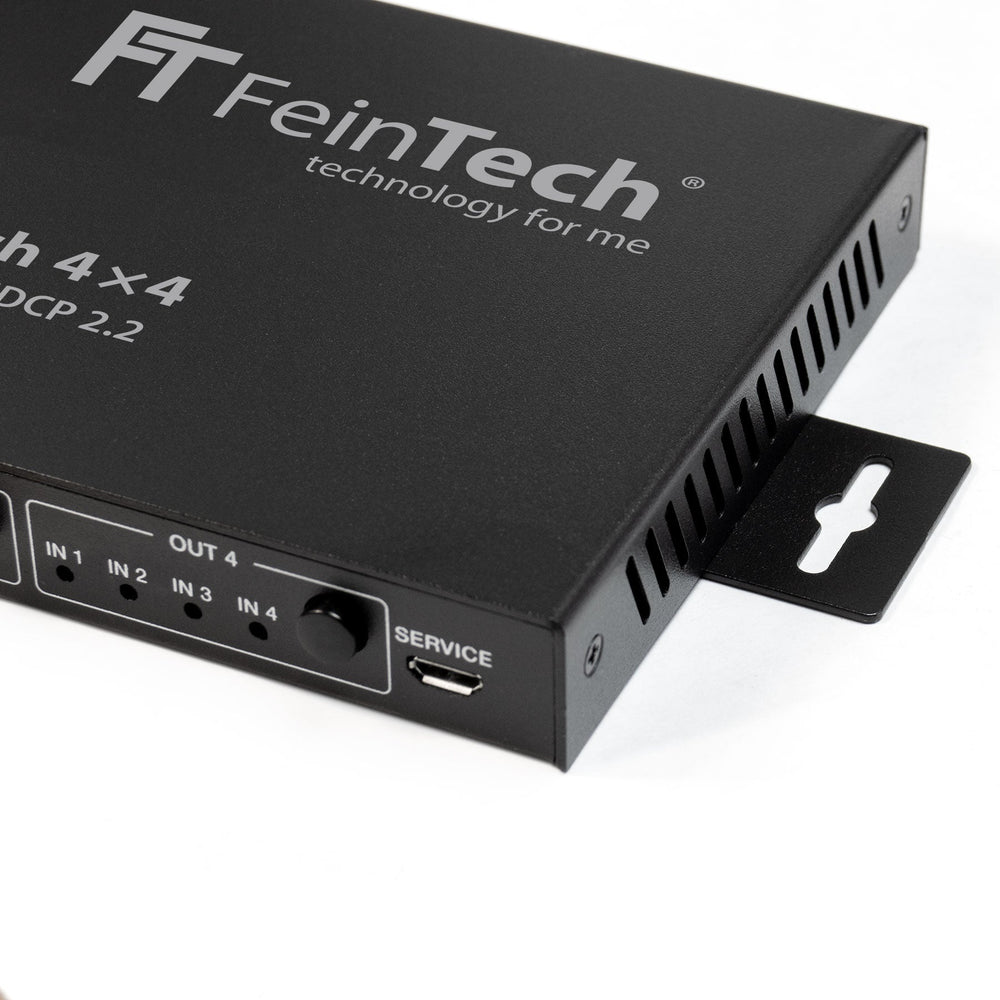

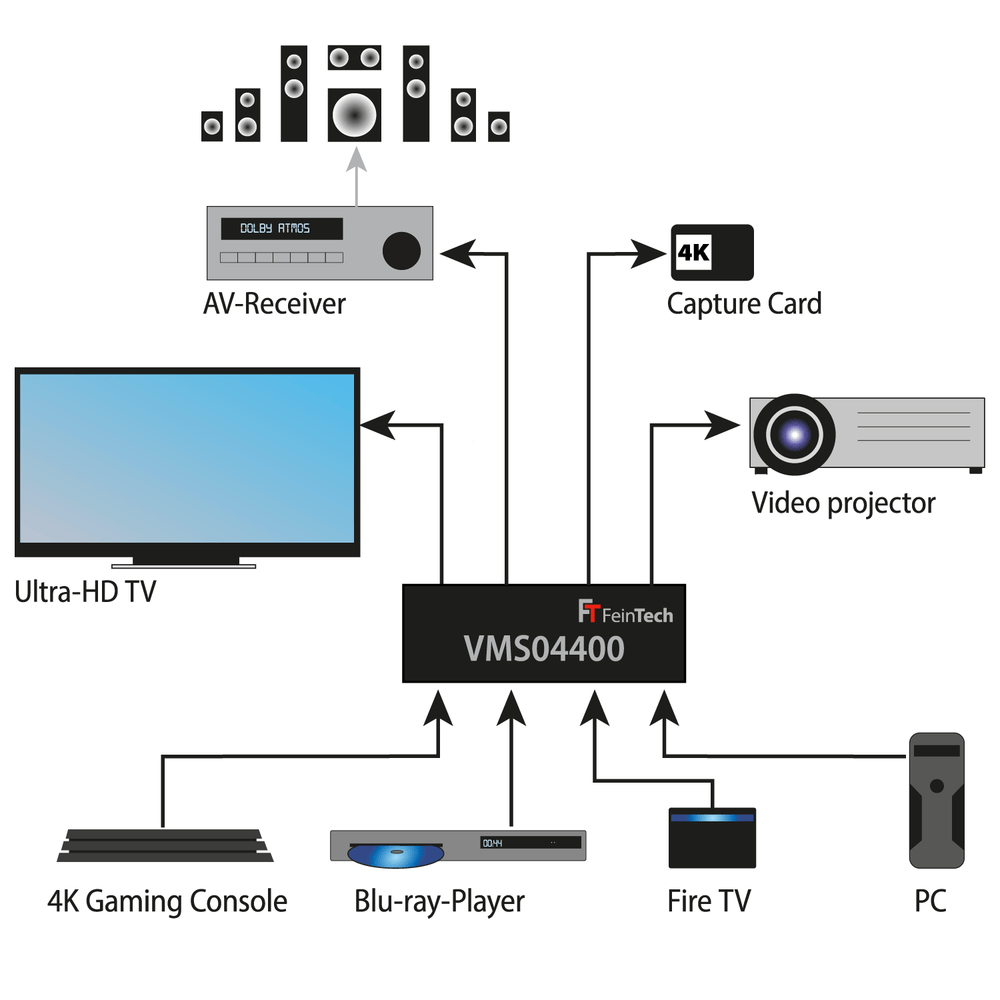
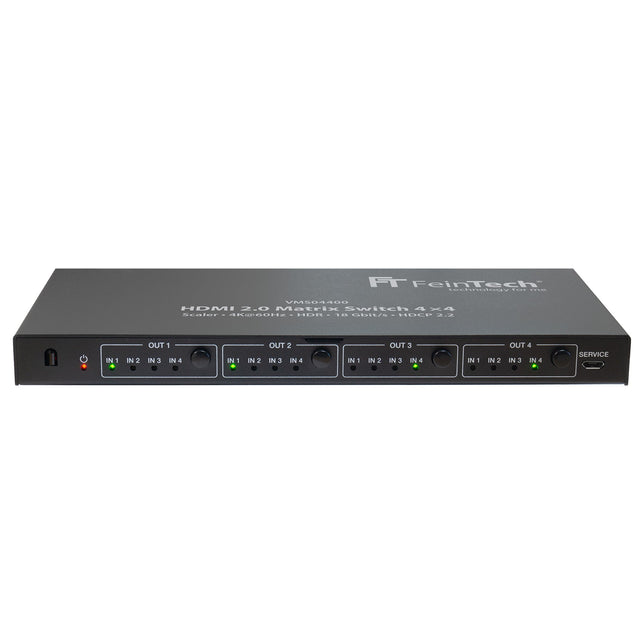
Distribute 4 HDMI sources simultaneously to up to 4 displays
VMS04400 HDMI 2.0 Matrix Switch 4x4 with Scaler is backordered and will ship as soon as it is back in stock.
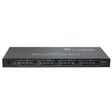
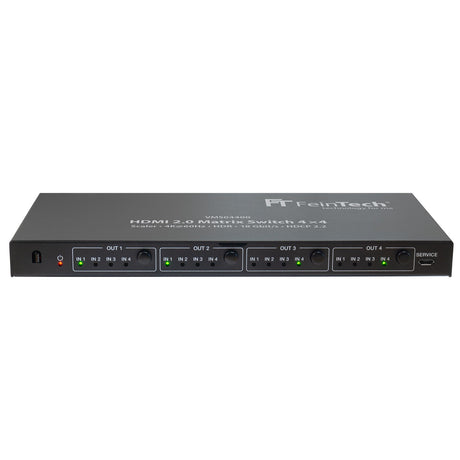
VMS04400 HDMI 2.0 Matrix Switch 4x4 with Scaler
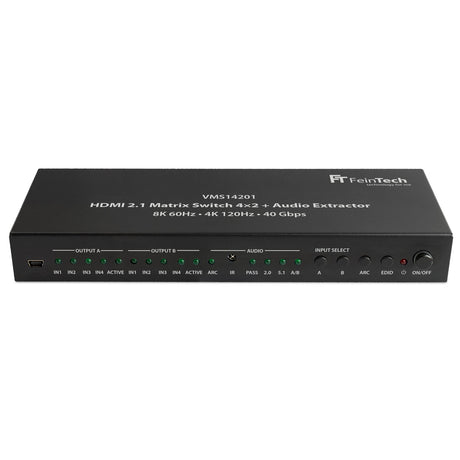
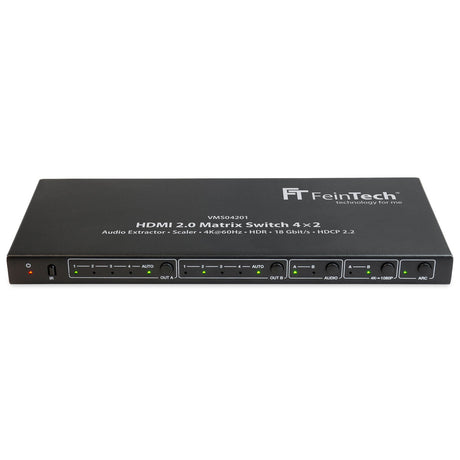
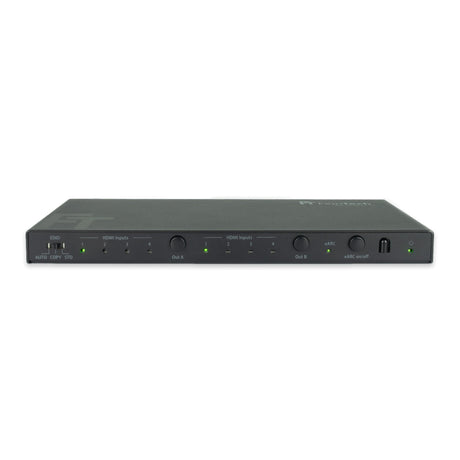
The matrix switch allows any assignment of input signals to the outputs. Thus, one input signal can be distributed to up to 4 outputs, 2 input signals to 2 outputs each (or source 1 to one display and source 2 to 3 displays), etc. A common application is to connect a TV, video projector and sound system at the same time.
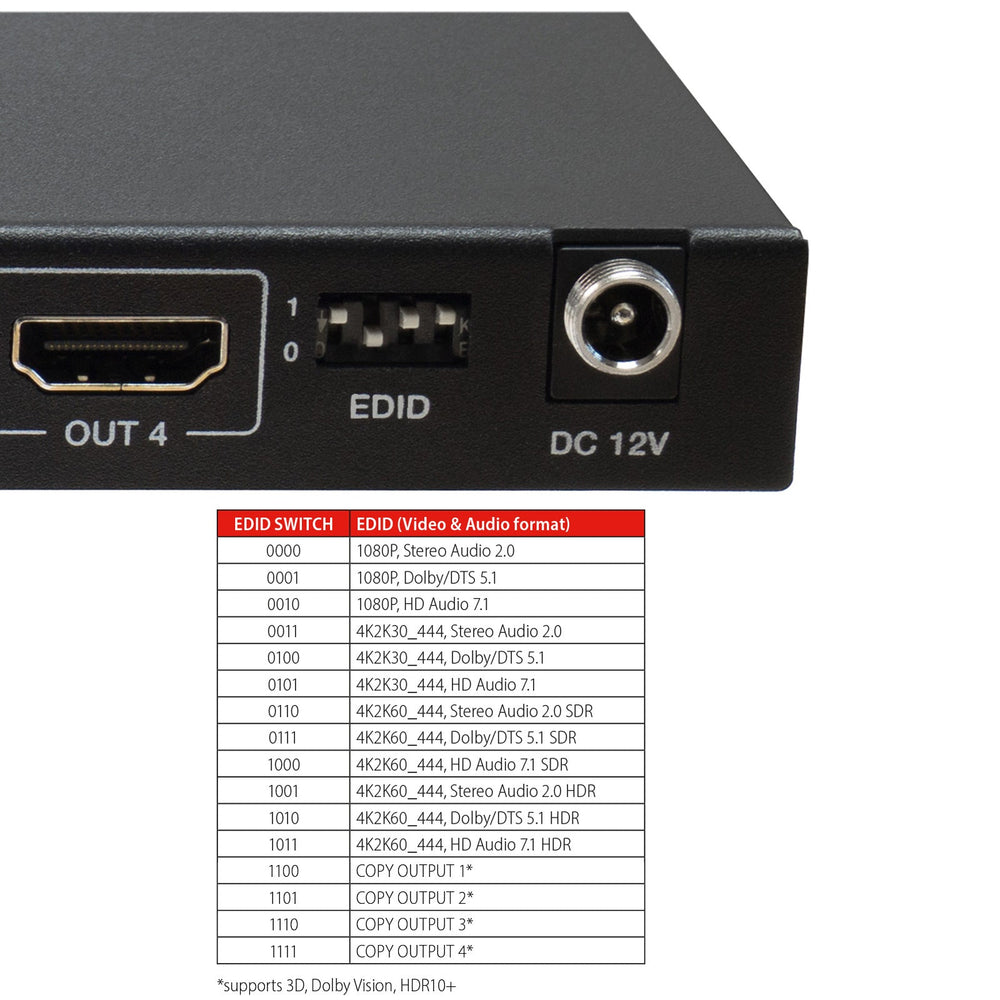
These settings allow you to force higher formats that not all of your devices support. A display with an unusual video resolution, Dolby Vision, HDR10+ or for 3D video can be used optimally if its EDID is copied (mode 13 to 16).
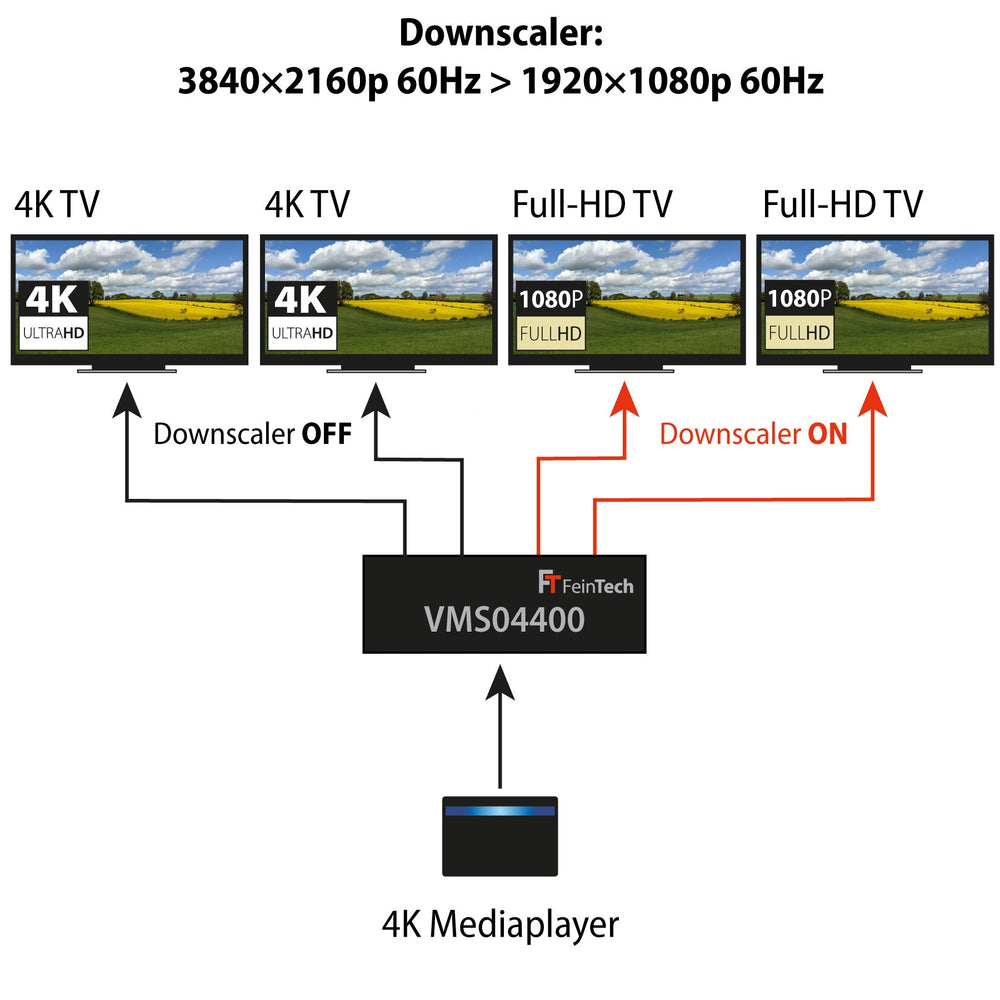
If a source supplies Ultra-HD signals, the scaler can be switched on for display on an additionally connected Full-HD display. The original signal of 3840 x 2160 pixels then becomes 1920 x 1080 pixels. In other words, exactly one quarter. The respective refresh rate and colour information is retained. A Full HD display thus receives 1080p with 60 Hz if the output signal is 2160p with 60 Hz. This ensures the best possible picture quality on the Full HD display. Ultra-HD / 2160p is still displayed on the main display.
Other resolutions from the PC world such as 1440p, or other display resolutions such as 720p, are not supported by the scaler. If a Full-HD display or projector does not show video even though the downscaler is active, please check if it supports 1080p. Some devices are limited to 1080i, or do not manage 24 Hz or 60 Hz.
Note: No soundbar with only HDMI-ARC or HDMI-eARC connection can be operated directly on an HDMI output. The soundbar must have at least one additonal, normal HDMI input.
Compare our HDMI Matrix Switches
| Facet |
SW411 HDMI 2.1 Switch 4 In 1 Out with HDMI Audio Extractor (HDMI Audio, Toslink, AUX) | 4K 120Hz | eARC View details | ||||
|---|---|---|---|---|---|
| Price | |||||
| Price |
€169,00
Unit price
/
Unavailable
|
€99,99
Unit price
/
Unavailable
|
€169,00
Unit price
/
Unavailable
|
€169,00
Unit price
/
Unavailable
|
€139,00
Unit price
/
Unavailable
|
| Rating | |||||
| Rating | |||||
| HDMI Version | |||||
| HDMI Version | |||||
| HDMI Inputs | |||||
| HDMI Inputs | - | - | - | - | - |
| HDMI Outputs | |||||
| HDMI Outputs | |||||
| Video Resolution | |||||
| Video Resolution | - | - | - | - | - |
| Audio Output | |||||
| Audio Output | - | ||||
| HDMI-CEC control | |||||
| HDMI-CEC control | |||||
| Downscaler | |||||
| Downscaler | Yes | Yes | Yes | - | - |
| Auto-switching | |||||
| Auto-switching | |||||
| Supported Gaming Formats | |||||
| Supported Gaming Formats | - | - | - | - | - |
| HDMI ARC from TV | |||||
| HDMI ARC from TV | |||||
| Compatible HDCP | |||||
| Compatible HDCP | |||||

Do you want to use a transmitter for your hearing aid while others listen through the soundbar at the same time? The VMA00201 can then be used between the television...

Bluetooth Auracast is a new feature of the Bluetooth LE audio standard. Unlike classic Bluetooth pairing (a one-to-one connection), Auracast enables broadcasting : A transmitter (e.g., TV, smartphone, microphone system)...

If you've connected your player (e.g., Apple TV, Fire TV, or similar streaming player) via HDMI and switch within a streaming app, for example, from a menu (often 60 Hz)...

PS5 Audio Output – How to Connect Headphones, a Soundbar or an AV Receiver Correctly The PlayStation 5 outputs audio exclusively via HDMI or a USB audio device. If you...
A common question we get in our customer service: "How do I connect headphones and a sound system to my TV via HDMI?" Few TVs deliver sound through multiple ports...
Juddering (also known as stuttering) on your TV occurs when the movie's frame rate doesn't perfectly match the TV's refresh rate. Here are the main causes: 1. Different frame rates...
Number of HDMI inputs
Number of HDMI outputs