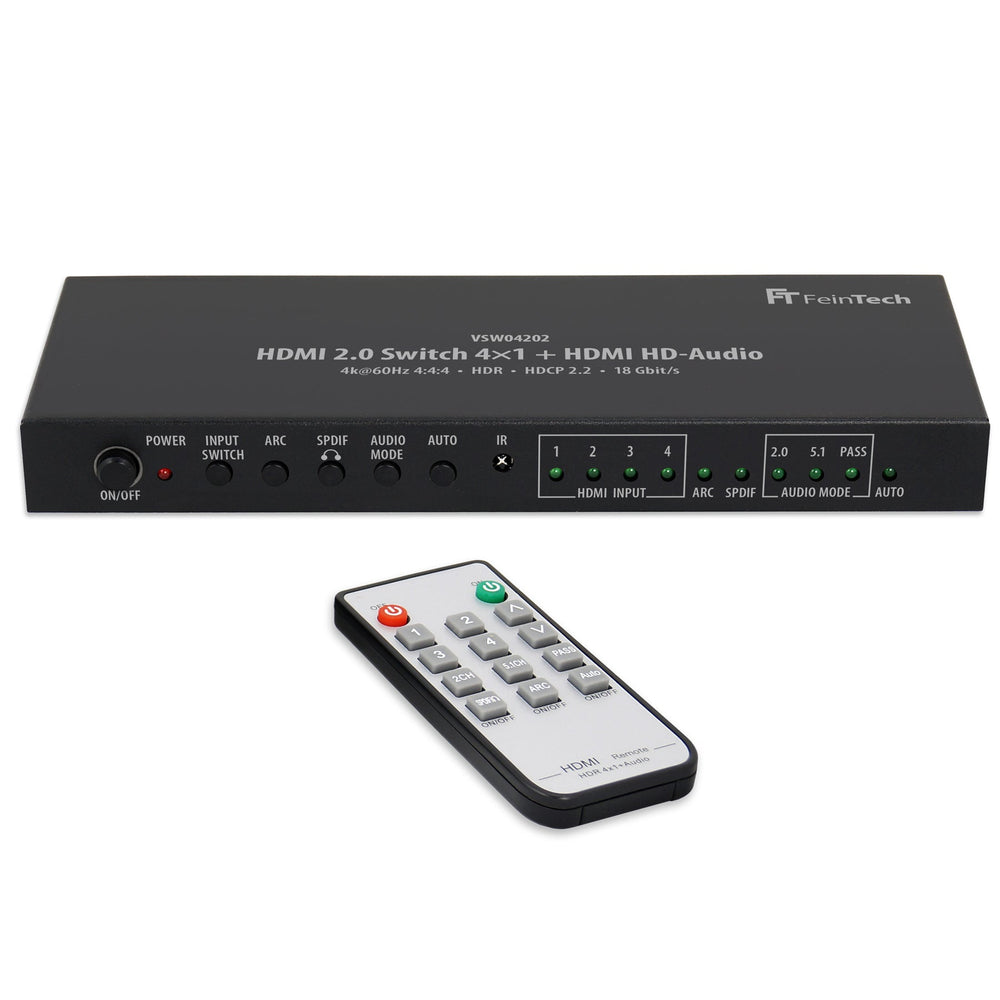
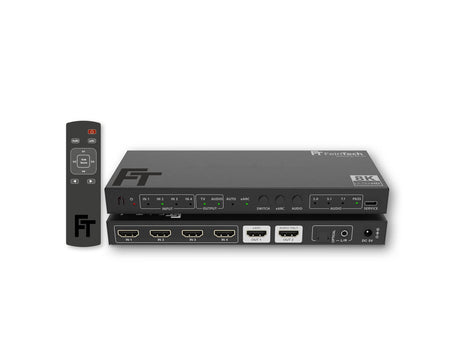
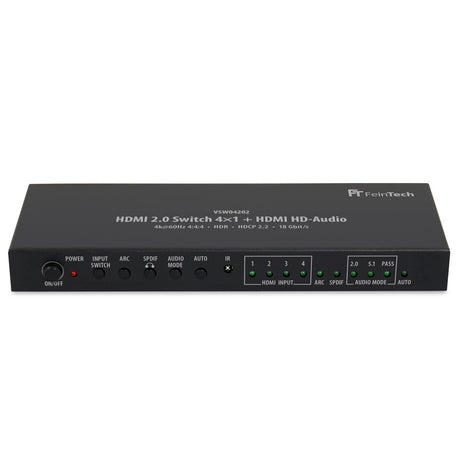
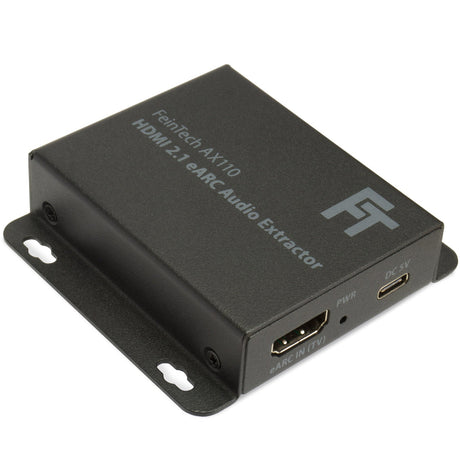
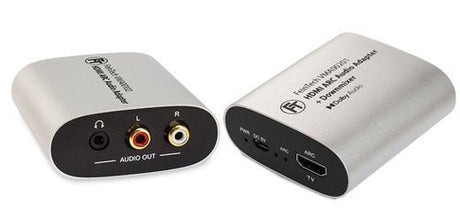
4x2 HDMI switch for 4K TV or video projector with separate audio system
With the 4x2 HDMI switch, you can connect up to four HDMI sources to your TV or video projector, as well as your sound system—ideal for older AV receivers or systems without modern HDMI ports. The switch offers you maximum flexibility in managing your devices and ensures easy switching between your HDMI sources.
4 HDMI inputs & 2 outputs
Connect up to four HDMI sources and route the signal to two outputs —to your TV and your sound system. The switch supports auto-switching , which automatically switches between inputs when you turn a device on or off.
HDMI Audio Port & Audio Extractor
The HDMI Audio Extractor lets you route audio from your TV or an HDMI source through various outputs. Choose between:
- HD audio via HDMI for your AV receiver or soundbar (e.g. Dolby Atmos, DTS-HD).
- Analog stereo sound for headphones or active speakers .
- Digital 2.0/5.1 sound via SPDIF (Toslink) in Dolby Digital or DTS
This gives you the freedom to tailor the audio output to your exact setup.
Supported video formats
The switch supports HDMI 2.0b and delivers 4K@60Hz Ultra HD and HDR10 , HLG-HDR , and Dolby Vision . Of course, it's also backward compatible with lower resolutions, ensuring outstanding picture quality, whether you're using a 4K display or an older model.
Manual audio EDID switching
The Audio Mode switch lets you set the desired audio format. This lets you decide whether you need the best possible format (Pass) or a fixed format like stereo (2.0) or 5.1 .
- Pass : Automatically selects the best audio format supported by the AV receiver or soundbar connected to HDMI output B – 7.1 sound is also possible.
- 2.0 : Stereo sound on all outputs
- 5.1 : Output in 5.1 sound format ,
Please note that HD audio formats such as Dolby TrueHD or DTS-HD can only be transmitted via HDMI . SPDIF Toslink can only transmit digital stereo (LPCM 2.0) or 5.1 audio (Dolby Digital/AC-3 or DTS).
ARC (Audio Return Channel) for TV sound
Use the ARC port to send your TV's audio (e.g., from apps or external sources) through the switch to your AV receiver or soundbar via Toslink. Note that ARC is not output via the analog output or HDMI , only via the digital output.
Flexible control & auto-switching
Input selection occurs either automatically when a device is turned on or manually via the remote control or the device's control button . When you turn on an HDMI source, it automatically switches to the corresponding input. When you turn off a device, the switch switches back to the last used input.
If you have devices that don't completely turn off their HDMI output in standby mode (such as Apple TV or Xbox), auto-switching may not work as intended. You can disable the auto-switching function .
Optimal user-friendliness
With the included remote control , you can switch between inputs and adjust the audio format as needed. The switch is particularly easy to use and helps you make your home theater experience even more flexible. The 4x2 HDMI switch is the perfect solution for connecting older AV receivers or sound systems to a modern 4K TV or video projector . With support for various audio formats, flexible control, and broad compatibility, it is an ideal device for your home theater setup.
Specifications:
- HDMI version HDMI 2.0b
- Signal inputs 4 x HDMI
- Signal outputs HDMI, HDMI Audio (720p), SPDIF Toslink digital optical, Aux stereo analog (3.5 mm jack)
- Supported copy protection HDCP 2.2/1.4
- Data transfer rate 18 Gbit/s (maximum)
- Supported video formats up to 4K 60Hz YUV 4:2:0 12-bit or 4K 60Hz RGB/YUV 4:4:4 8-bit
- Color space RGB, YUV 4:4:4, 4:2:2; 4:2:0
- Supported color formats 8 bit / 10 bit / 12 bit
- HDR (High Dynamic Range) HDR10, HLG, Dolby Vision
- ARC (Audio Return Channel) for outputting TV sound via the SPDIF digital output is supported (NO output on the analog output).
- Audio formats HDMI: PCM 2.0 -7.1, Dolby Digital, Dolby Digital Plus (incl. Atmos), DTS, DTS-HD (incl. DTS-X), Dolby True HD (incl. Atmos), Dolby MAT
- Audio formats SPDIF: PCM 2.0, Dolby Digital, DTS
- Audio format 3.5 mm jack: PCM 2.0
- Range: at 1080p: maximum 8 m at the input + 8 m at the output, at 4K: maximum 5 m at the input + 5 m at the output
- Dimensions: 205 x 74 x 23 mm
- Power consumption < 3W
Scope of delivery: HDMI switch, power supply with Euro plug , remote control, battery
Note:
Operation is not possible via the HDMI ARC/eARC port on a Sonos system. Sonos and Bose soundbars do not have a standard HDMI input. A soundbar with only a single HDMI port cannot be operated with the Switch.