

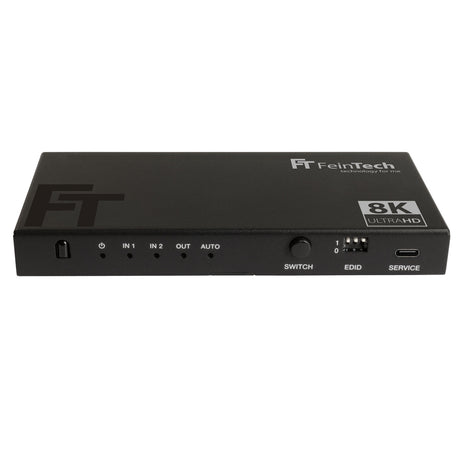


HDMI switch 3×1 for more connections
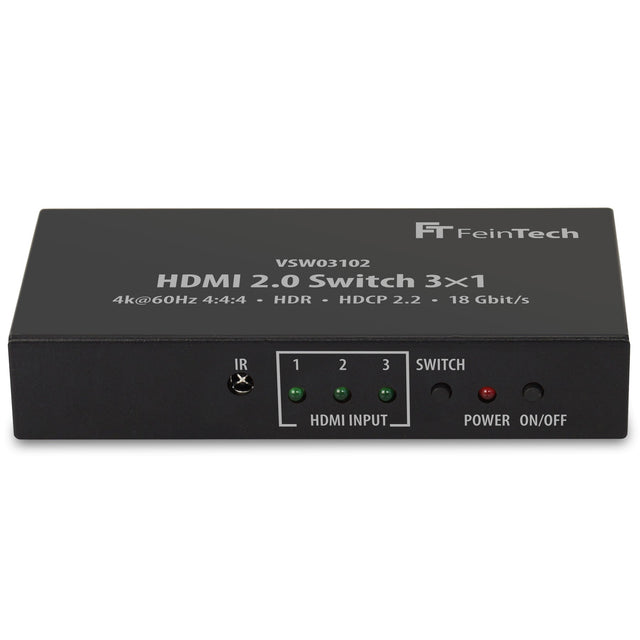
This HDMI switch 3×1 allows you to connect 3 HDMI sources to one HDMI input. With this you close e.g. B. Playstation, PC and set-top box to an Ultra HD...

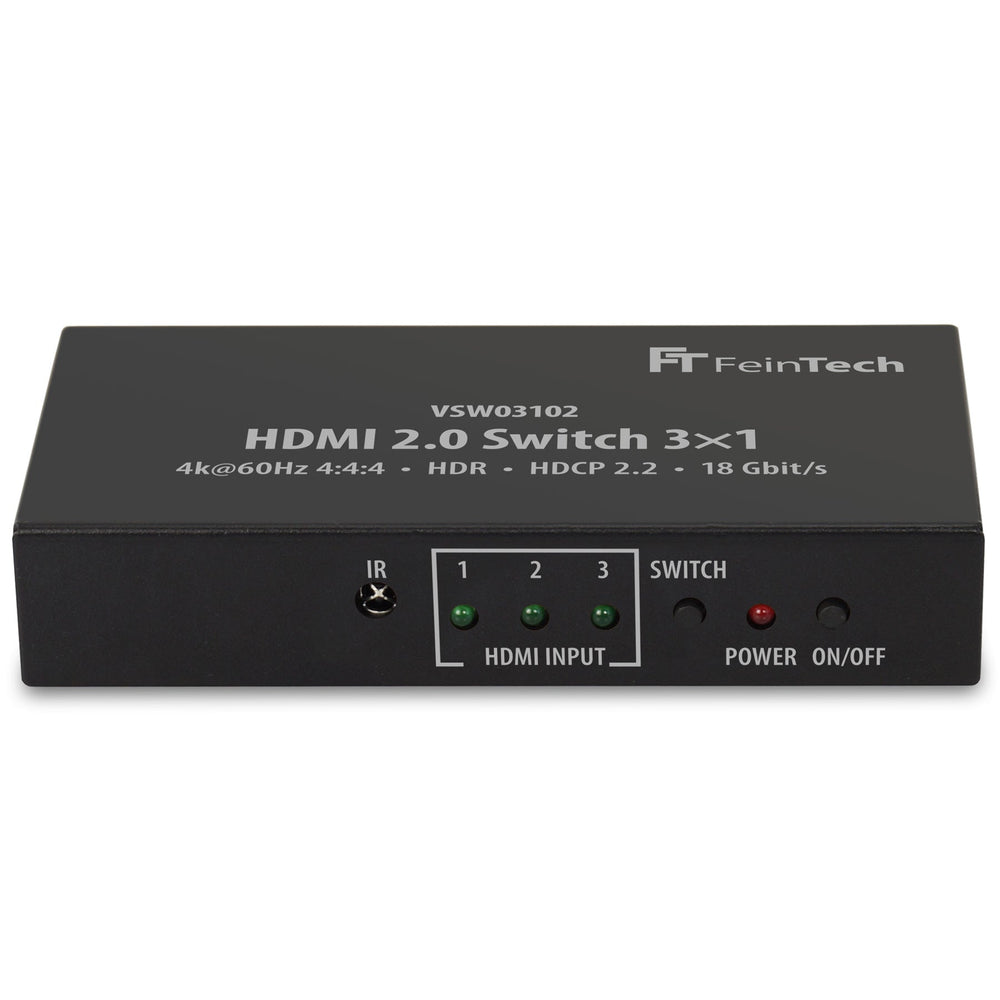
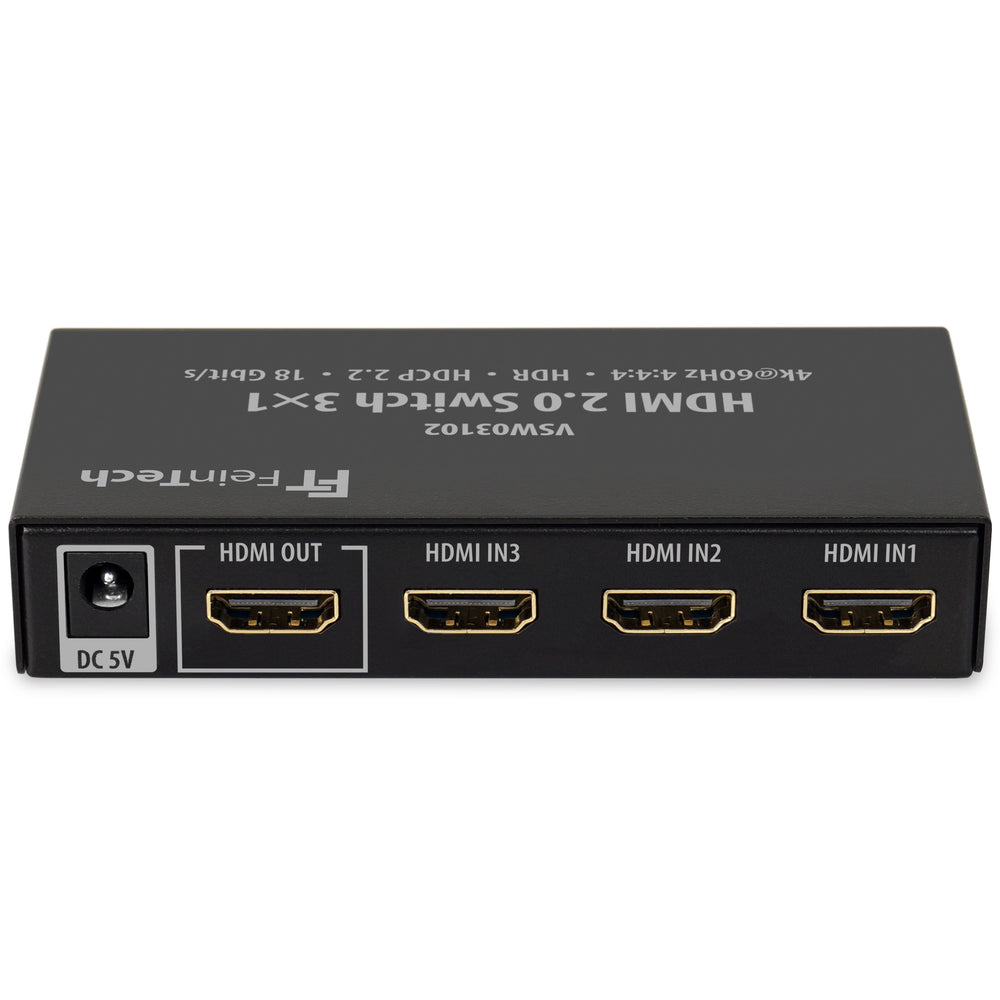
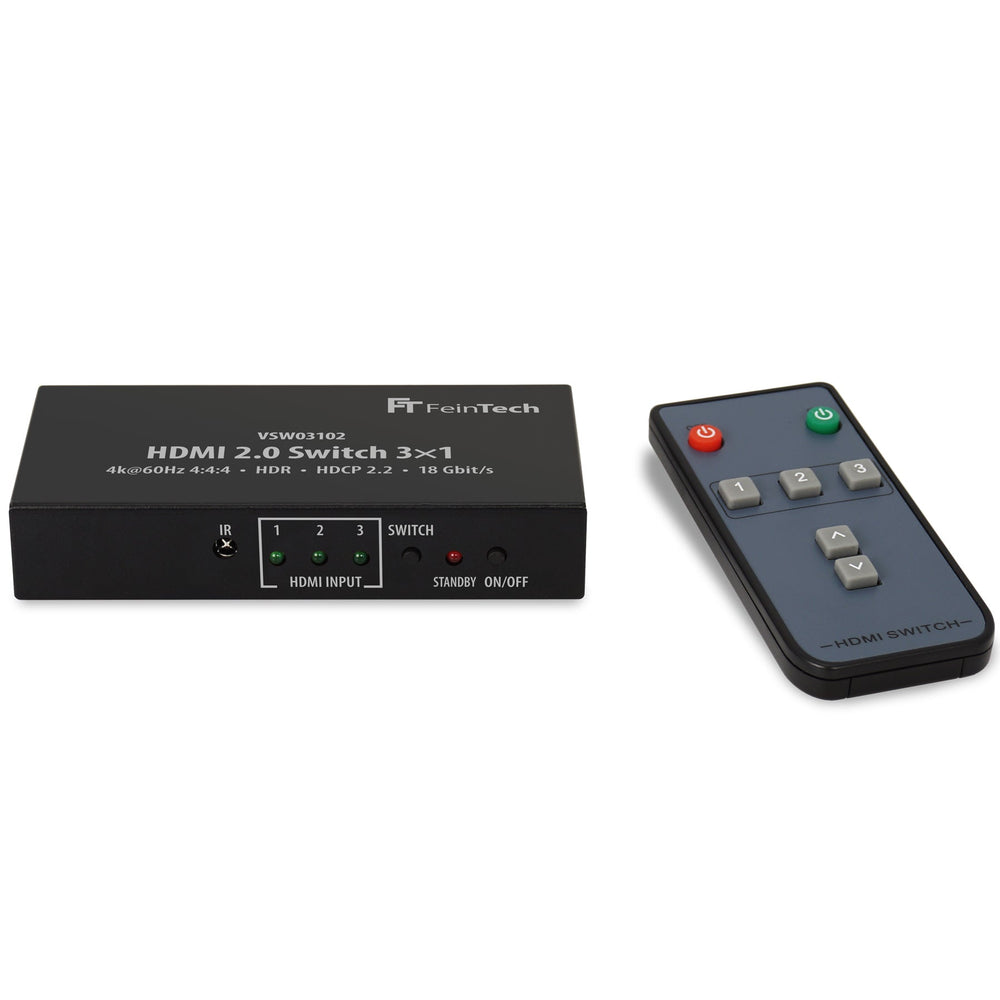
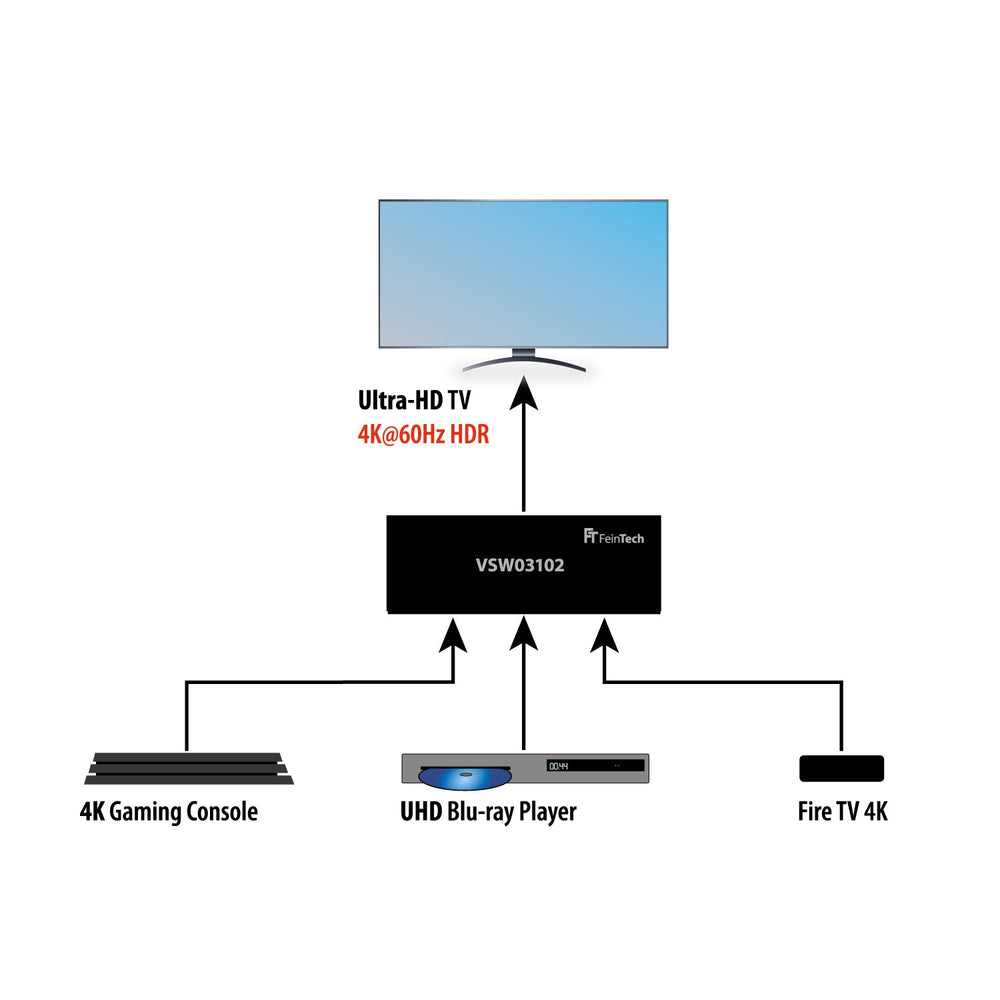
Distribute 3 HDMI sources to 1 display
VSW03102 HDMI Switch 3 In 1 Out | 4K 60Hz | Auto switching is backordered and will ship as soon as it is back in stock.
This HDMI switch allows you to connect 3 HDMI sources to one HDMI input, e.g. to connect Playstation, PC and set-top box to an Ultra HD TV. Switching between the inputs is automatic (auto-switching) or manual via remote control or operating button. When you switch on a connected HDMI source, it is automatically switched to this input. If you switch off the HDMI source, it is switched to the HDMI input previously used. Some devices do not switch off their HDMI output in standby, so the switch is always signalled as being switched on. To get around this, you can switch off the auto-switching function. To do this, press the SWITCH key for 5 seconds until the LEDs flash. Switching is then only possible by pressing the key. To switch on auto-switching, press SWITCH again for 5 seconds.
Compare our HDMI switches
| Facet |
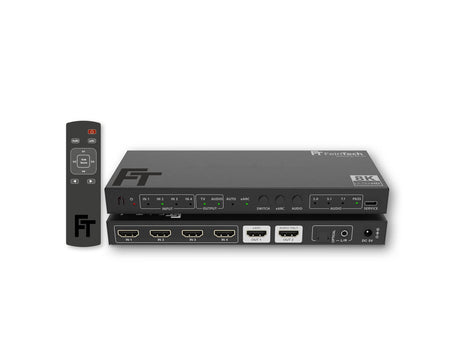
SW411 HDMI 2.1 Switch 4 In 1 Out with HDMI Audio Extractor (HDMI Audio, Toslink, AUX) | 4K 120Hz | eARC View details | ||||
|---|---|---|---|---|---|
| Price | |||||
| Price |
Regular price
€69,99
Unit price
|
Regular price
€39,99
Unit price
|
Regular price
€79,99
Unit price
|
Regular price
€39,99
Unit price
|
Regular price
€139,00
Unit price
|
| Rating | |||||
| Rating | |||||
| HDMI Version | |||||
| HDMI Version | |||||
| HDMI Inputs | |||||
| HDMI Inputs | - | - | - | - | - |
| HDMI Outputs | |||||
| HDMI Outputs | |||||
| Video Resolution | |||||
| Video Resolution | - | - | - | - | - |
| Audio Output | |||||
| Audio Output | - | - | - | ||
| HDMI-CEC Control | |||||
| HDMI-CEC Control | |||||
| Auto-switching | |||||
| Auto-switching | |||||
| Supported Gaming Formats | |||||
| Supported Gaming Formats | - | - | - | - | - |
| HDMI ARC from TV | |||||
| HDMI ARC from TV | - | - | - | - | |
| Compatible HDCP | |||||
| Compatible HDCP | |||||
This HDMI switch 3×1 allows you to connect 3 HDMI sources to one HDMI input. With this you close e.g. B. Playstation, PC and set-top box to an Ultra HD...

HDMI can transmit not only video and audio signals, but also a wide range of other data. Devices exchange various data and commands over the network. CEC (Consumer Electronics Control)...

HDMI is based on TMDS (Transition-Minimized Differential Signaling), at least up to and including HDMI 2.0. TMDS was developed by Silicon Image to transmit high-speed digital data. It uses an...

Number of HDMI inputs
Number of HDMI outputs