
Using a hearing aid and soundbar simultaneously – here's how it works
Do you want to use a transmitter for your hearing aid while others listen through the soundbar at the same time? The VMA00201 can then be used between the television...


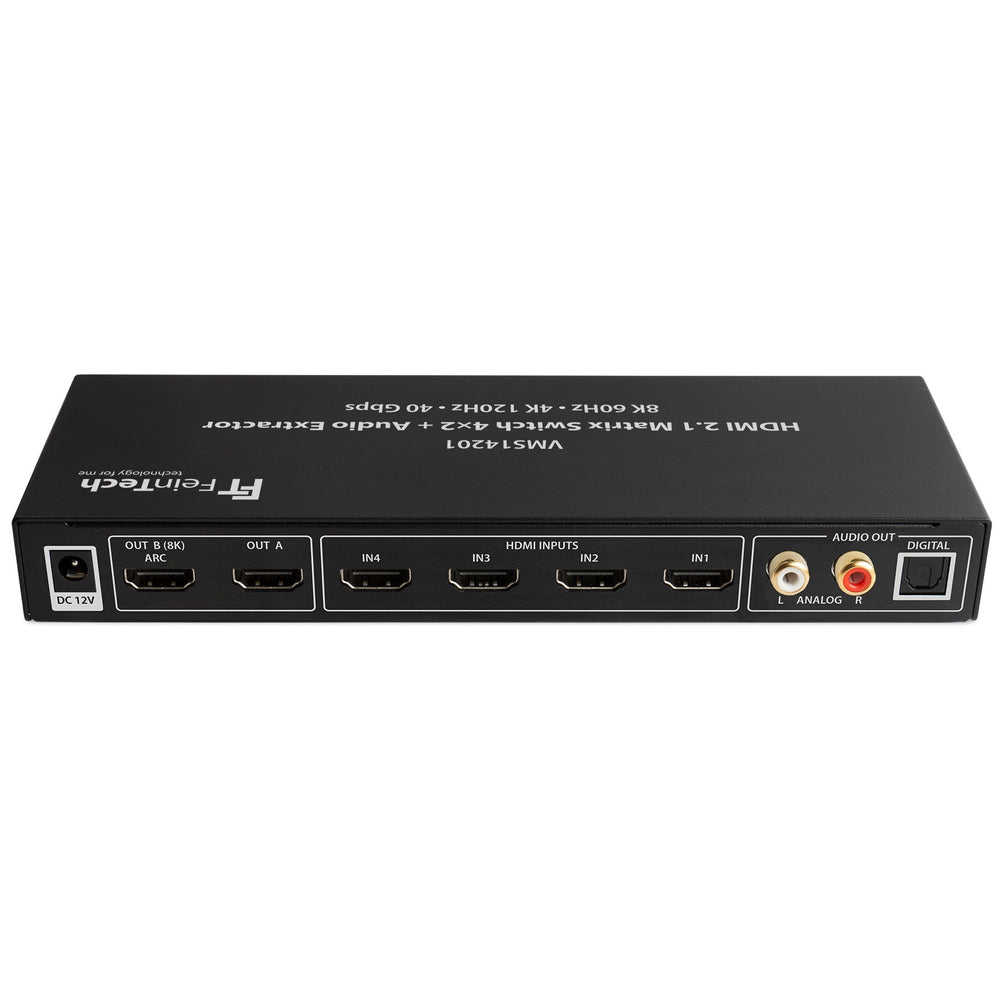


The control center of the latest generation for gaming and home cinema
VMS14201 HDMI 2.1 Matrix Switch 4 In 2 Out with Audio Extractor is backordered and will ship as soon as it is back in stock.

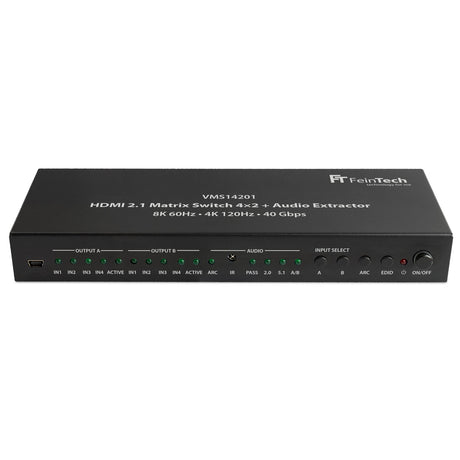
VMS14201 HDMI 2.1 Matrix Switch 4 In 2 Out with Audio Extractor
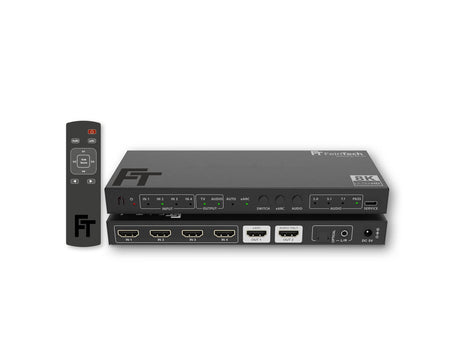
This switch allows you to use four sources on two displays, such as a TV and a monitor. This allows you to play one of the four sources on both displays simultaneously, or display a different source on each display.
The integrated audio extractor outputs the audio from a selected player via the optical digital output (in stereo, Dolby Digital 5.1, or DTS 5.1) and via RCA (stereo only). This allows you to connect a sound system or a headphone base station. The HDMI signal at outputs A and B for TVs is not altered; sound is also output there. If ARC is enabled on the matrix switch, the internal audio from TV B can also be output from the matrix switch via Toslink. ARC stands for Audio Return Channel; a suitable connection is found on TVs but rarely on video projectors.
To allow simultaneous use of a 4K and a Full HD display, the Switch features an automatic downscaler. This reduces the 4K video signal to 1080p resolution for the Full HD device. At the same time, the 4K device receives the original signal. The refresh rate is not changed. The maximum scaling is 4K 60Hz, which will then output 1080p 60Hz to the Full HD TV. Therefore, the downscaler is inactive for 4K 120Hz gaming.
All new gaming features like 4K 120Hz and VRR are supported. For HDMI 2.1 transmission to be possible, e.g., 4K 120Hz for gaming, both connected HDMI displays must support HDMI 2.1. Mixed operation with HDMI 2.0 is not possible.
In order for a player to output these video formats, both connected
Displays support this. For example, if the TV on output A supports Dolby Vision, the
If the projector is not connected to output B, the output is in HDR10 or SDR (depending on the player).
Select PASS if you are not using the audio outputs on the switch. Use the A/B button to select whether the device's maximum audio format is used on output A or B. For example, if a TV with a soundbar is connected to output B, set this to B. The A/B LED will then be off. If the "better" sound system is connected to output A, press the A/B button on the switch for 3 seconds or use the AB button on the remote control. The A/B and PASS LEDs will then light up. Please note: If both HDMI outputs are active at the same time, PASS outputs an audio format compatible with both displays.
In the 5.1 setting, the audio format is limited to Dolby Digital/DTS, so it is always output via the Toslink output. In the 2.0 setting, stereo output via RCA is supported.
You can switch between the four inputs by pressing the button on the remote control or the switch. The switch does not switch automatically. Power is supplied via the included power adapter.
This switch cannot be connected directly via HDMI to a soundbar that only has a single HDMI port. Therefore, it is not suitable for HDMI connection to Sonos Arc/Beam, Bose 900, or similar devices.
When operating at 4K 120Hz on a TV, you cannot use an older, second HDMI output device (AVR, monitor, projector, etc.). Therefore, to play at 4K 120Hz, the other HDMI output device must be turned off. As soon as the maximum 4K 60Hz is displayed again, the second device can be used.
HDMI-CEC is not supported.
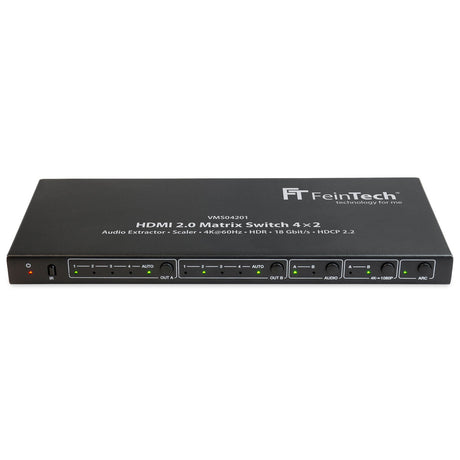
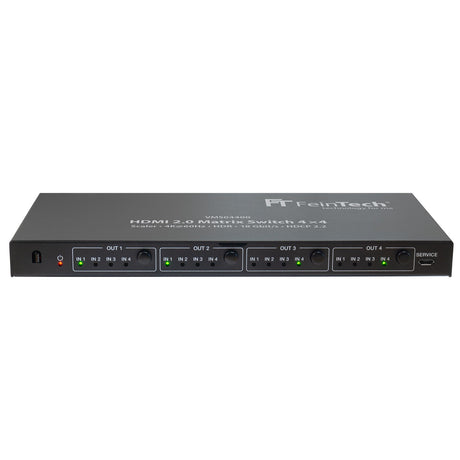
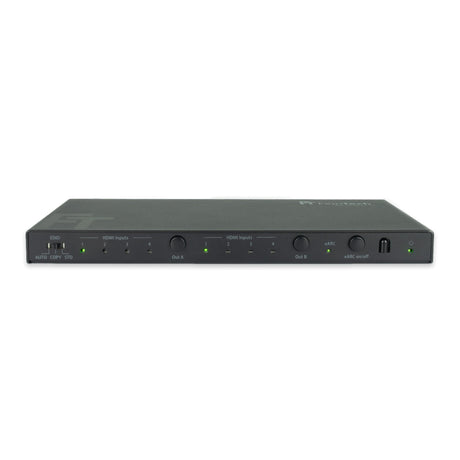
Compare our HDMI Matrix Switches
| Facet |
SW411 HDMI 2.1 Switch 4 In 1 Out with HDMI Audio Extractor (HDMI Audio, Toslink, AUX) | 4K 120Hz | eARC View details | ||||
|---|---|---|---|---|---|
| Price | |||||
| Price |
€169,00
Unit price
/
Unavailable
|
€99,99
Unit price
/
Unavailable
|
€169,00
Unit price
/
Unavailable
|
€169,00
Unit price
/
Unavailable
|
€139,00
Unit price
/
Unavailable
|
| Rating | |||||
| Rating | |||||
| HDMI Version | |||||
| HDMI Version | |||||
| HDMI Inputs | |||||
| HDMI Inputs | - | - | - | - | - |
| HDMI Outputs | |||||
| HDMI Outputs | |||||
| Video Resolution | |||||
| Video Resolution | - | - | - | - | - |
| Audio Output | |||||
| Audio Output | - | ||||
| HDMI-CEC control | |||||
| HDMI-CEC control | |||||
| Downscaler | |||||
| Downscaler | Yes | Yes | Yes | - | - |
| Auto-switching | |||||
| Auto-switching | |||||
| Supported Gaming Formats | |||||
| Supported Gaming Formats | - | - | - | - | - |
| HDMI ARC from TV | |||||
| HDMI ARC from TV | |||||
| Compatible HDCP | |||||
| Compatible HDCP | |||||

Do you want to use a transmitter for your hearing aid while others listen through the soundbar at the same time? The VMA00201 can then be used between the television...

Bluetooth Auracast is a new feature of the Bluetooth LE audio standard. Unlike classic Bluetooth pairing (a one-to-one connection), Auracast enables broadcasting : A transmitter (e.g., TV, smartphone, microphone system)...

If you've connected your player (e.g., Apple TV, Fire TV, or similar streaming player) via HDMI and switch within a streaming app, for example, from a menu (often 60 Hz)...

The PS5 can only output audio via HDMI or a USB audio device. If you want to use headphones or a sound system with other inputs, such as a jack,...
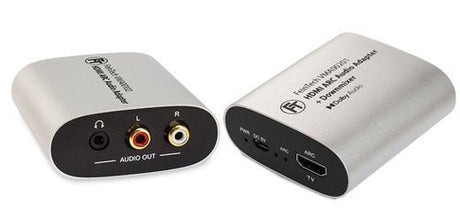
A common question we get in our customer service: "How do I connect headphones and a sound system to my TV via HDMI?" Few TVs deliver sound through multiple ports...
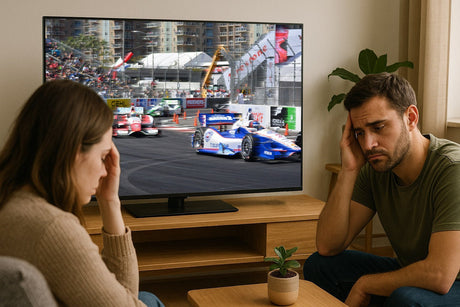
Juddering (also known as stuttering) on your TV occurs when the movie's frame rate doesn't perfectly match the TV's refresh rate. Here are the main causes: 1. Different frame rates...

Number of HDMI inputs
Number of HDMI outputs